

- Stock: In Stock
- Product code: 827588000000923343
- SKU: 41843

More from this brand


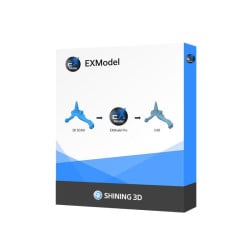
EXModel for reverse engineering
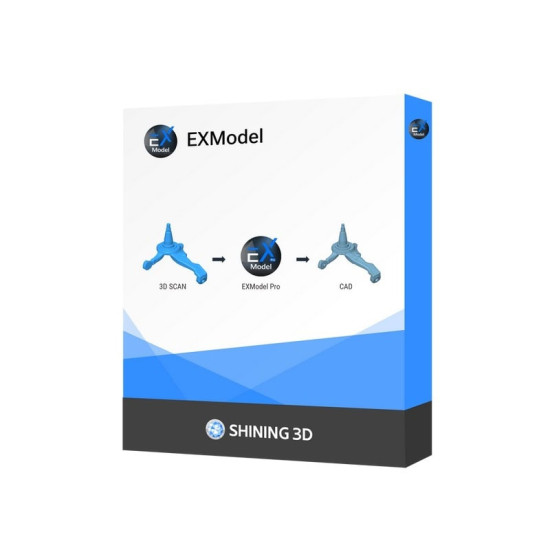
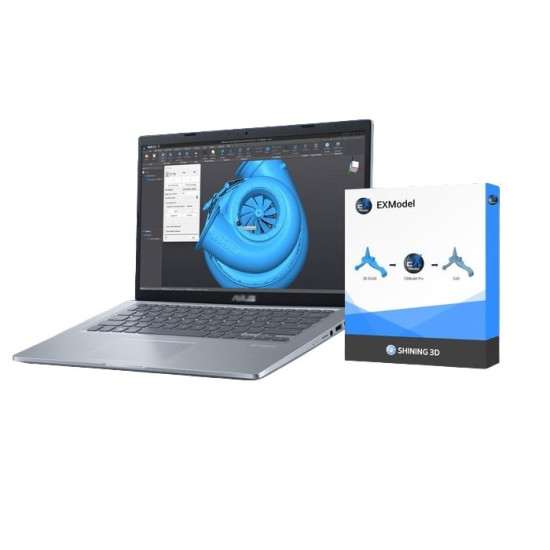
EXModel for reverse engineering is a powerful software that simplifies CAD modeling from 3D scanning to production. It provides a complete set of tools that make it easy to turn a mesh into a solid, professional-quality CAD model.
Fully integrated with SHINING 3D scanners, EXModel Pro includes all the features of EXModel as well as a complete solution for converting mesh data into professional solid CAD models.
Compatible with Shining 3D scanners
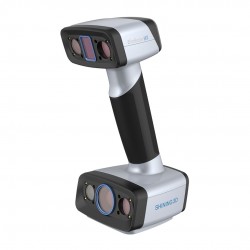
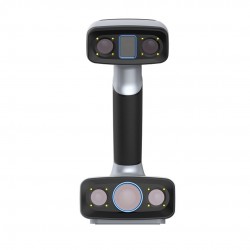
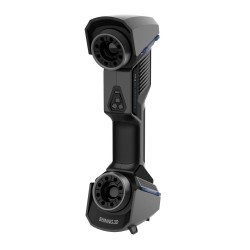
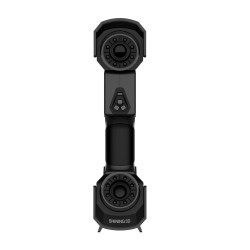
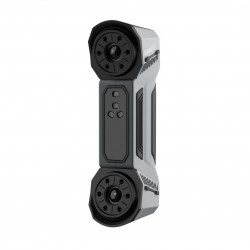
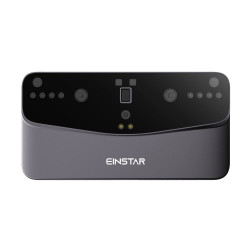
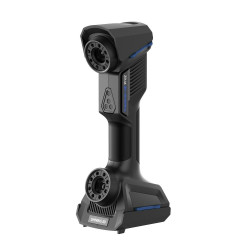
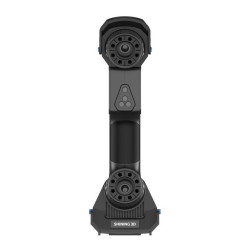
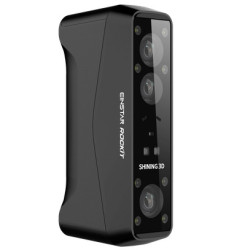
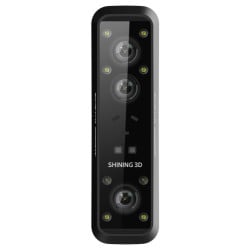
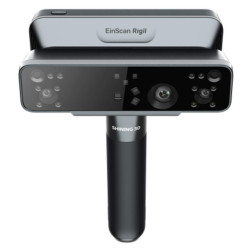
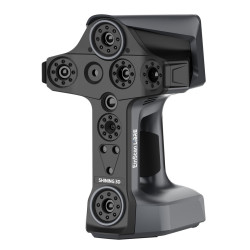
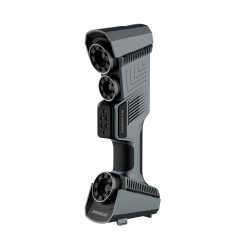
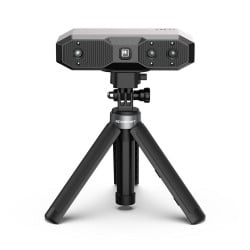
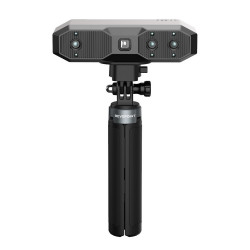
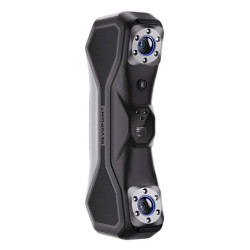
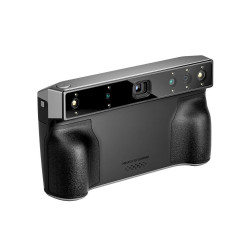
Integrated with EXScan HX, FreeScan, and EXStar software, EXModel supports EinScan HX, FreeScan Combo Series, FreeScan UE Pro, and Einstar, with more SHINING 3D scanners coming soon.
Easily convert 3D scans to CAD
- Easy mesh processing
- Create accurate CAD designs
- Improved data utilization
- Cost-effective solution
- Optimized workflow
- Universal export option

Grid editing
EXModel's mesh editing tools are easy to use and allow you to easily reduce data size while maintaining accuracy. You can easily fill holes and remove mesh outliers to easily create watertight meshes for 3D printing or reverse engineering.
Mining primitives
EXModel quickly reconstructs planes, cylinders, cones, and spheres. In addition, create reference geometries such as lines and points for use in aligning meshes to the world coordinate system or to other scans.
Constrained 2D sketching
Use EXModel Pro's dimensioning and constraint tools to create accurate sketches like any other CAD package. Interactive cutting allows users to get control points for 2D sketches. At the same time, interactive creation can collaborate with world or CAD planes or even cut surfaces of aligned curves. For even more power and efficiency, users can create multiple cutting surfaces simultaneously.
*Available in EXModel Pro
3D sketching and surface filling
Draw freeform curves directly on a reference mesh and create mixed curves ready for future use, including filled surfaces, freeform shapes from 3D sketches, or any other CAD surface manipulation. You can also create constrained surfaces from 3D sketches and get the best possible base shapes for your reference data for more accurate results.
*Available in EXModel Pro
Free-form modeling and automatic surface mapping
EXModel's mesh editing tools are easy to use and make it easy to reduce data size while maintaining accuracy. You can easily fill holes and remove mesh outliers to easily create watertight meshes for 3D printing or reverse engineering.
Hybrid modeling
In addition to being parametric for standard functions, the software allows you to create CAD models using a combination of arbitrary and prismatic elements. Users have the ability to revisit and modify arbitrarily shaped surfaces as needed, providing the ability to easily reconstruct results.
*Available in EXModel Pro
Comparison of EXModel and EXModel Pro features
EXModel Pro Universal reverse engineering solution EXModel | EXModel Combining 3D scanning mesh and CAD | |
| Edit the grid (segment, fill holes, and smooth) | ✓ | ✓ |
| Grid alignment (coordinates/ N-points/ fine alignment) | ✓ | ✓ |
| Primitives Extraction / Link building | ✓ | ✓ |
| Cross sections / 2D sketches / 3D sketches | ✓ | ✓ |
| Fitting / Manual freeform modeling / Automatic surface mapping | ✓ | ✓ |
| Export features/profile as IGES/STEP/DXF | ✓ | ✓ |
| Constraints / Offsets / Patterns in 2D sketch | ✓ | |
| Helix/ Loft/ Sweep/ Fill Surface/ Blend surface/ Flatten | ✓ | |
| Extrude/rotate surfaces | ✓ | |
| Trim to whole / Cut / Merge / Intersect / Rounding / Chamfer / Patterns | ✓ | |
| Hybrid modeling (freeform and parametric) | ✓ | |
| Transfer design and feature tree to other packages | ✓ |
- Prices are for one software installation used on one PC per year.) Licenses can be transferred from one computer to another.
- A network license allows you to install the software on several machines, but use it on only one PC at a time.
- To receive a free update, the user must be on maintenance (EXModel Pro only).
- The purchase of maintenance is optional.
- The EXModel Pro Edu Educational License is perpetual and valid for the version of the purchased software.