

- Stock: In Stock
- Product code: L2 Pro 32/300
- Weight Brutto: 2.30kg
- SKU: 00-00012537

More from this brand


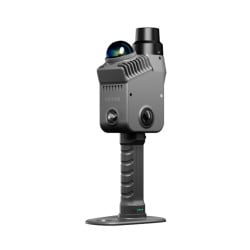
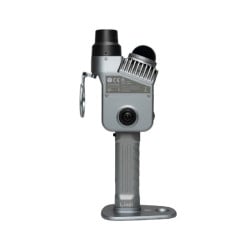
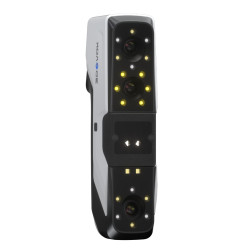
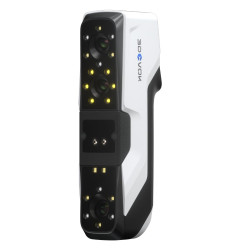
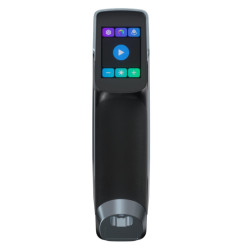
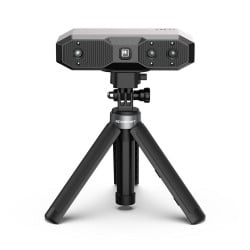
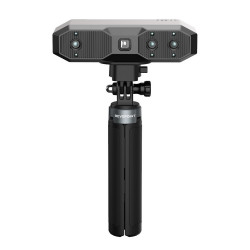
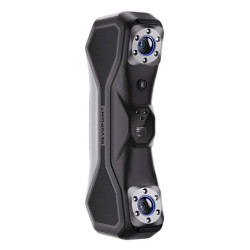
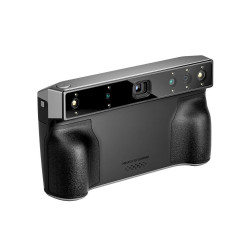
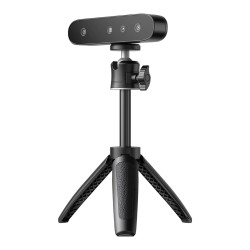
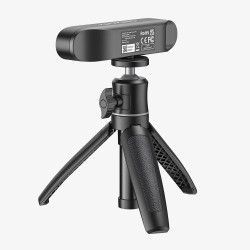
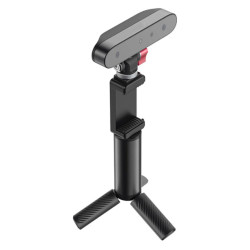
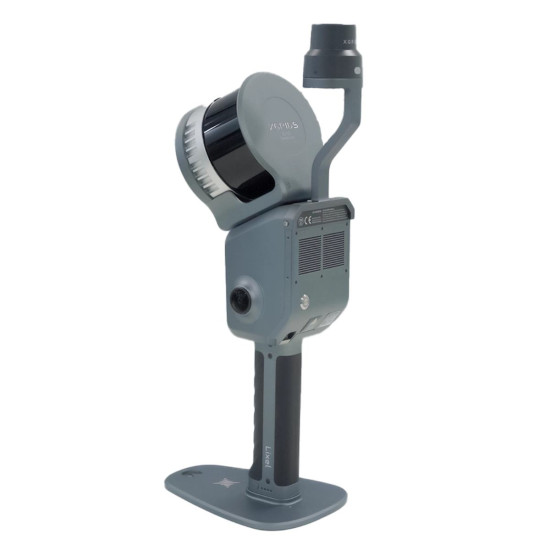
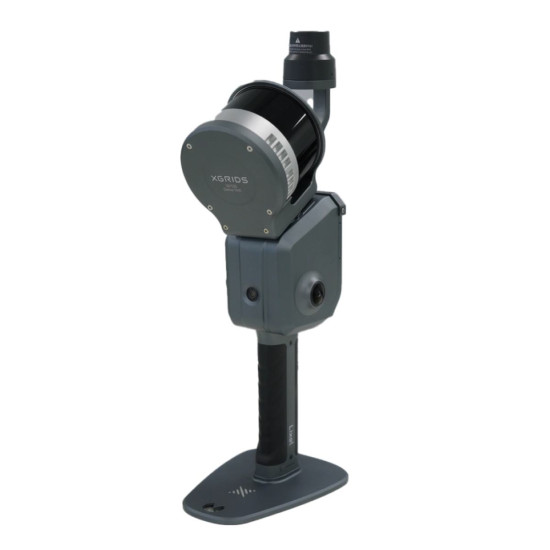
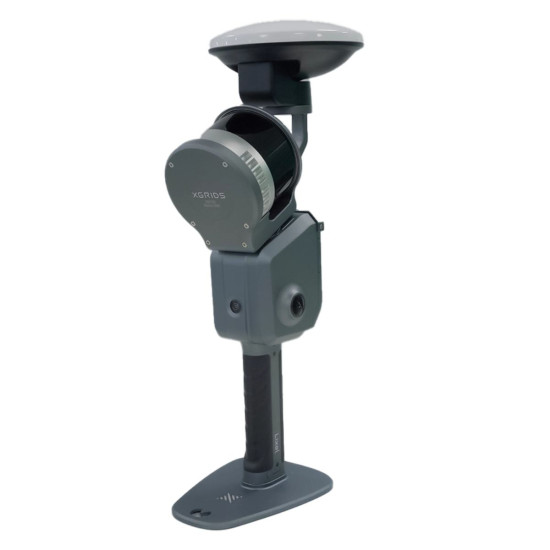
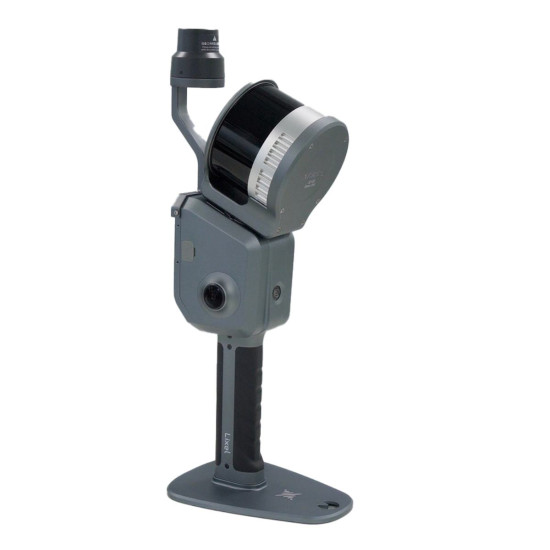
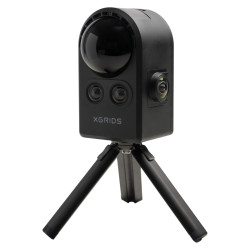
3D Scanner for Earthworks XGRIDS L2 Pro 32/300
- XGRIDS L2 Pro 32/300 is a new generation industrial 3D scanner equipped with 32 laser lines (lidars).
- The device is capable of providing a relative accuracy of 1 cm, with an absolute accuracy of 3 cm.
- The intervals between points in the cloud are – 1 mm.
- Maximum scanning radius – 300 m.
- Scanning speed: 640,000 points/s.
- True SLAM technology provides real-time point cloud data.
- Scanning data is ready for immediate use, without post-processing.
Package Contents
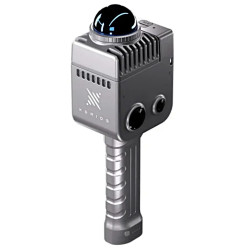
- Handheld Scanner L2 Pro (32-channel, 300 m)
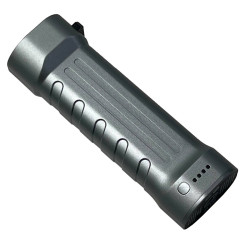
- L2 Series Handle Battery
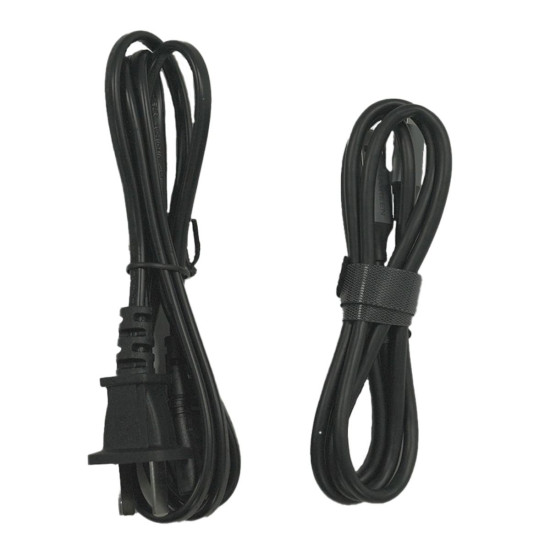
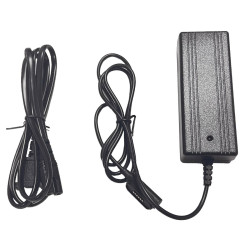
- Charger and Converter
- Type-C (USB-C) Cable
- GCP Plate (Ground Control Point Plate)
- Quick Start Guide
- Hard Case (Rugged Case)
- Lixel Studio Software License
- Warranty Card
Optional accessories may be offered
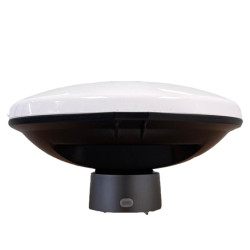
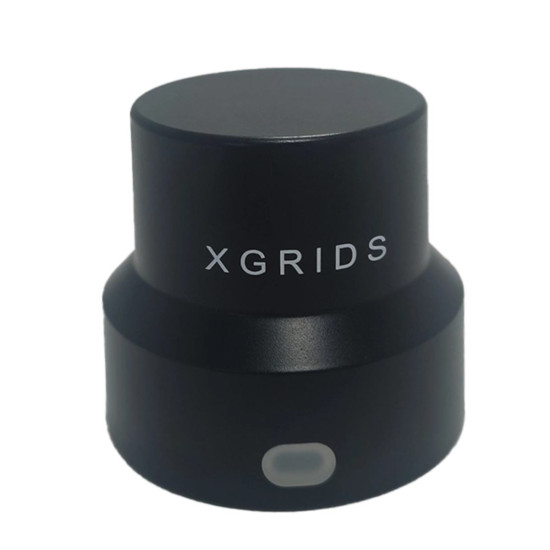
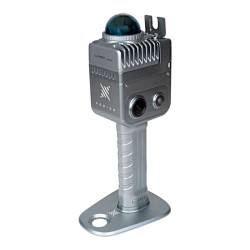
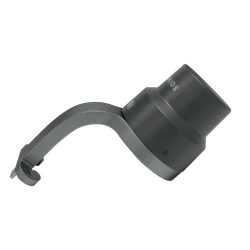
- RTK Module (standard or geodetic)
- Smartphone Mount
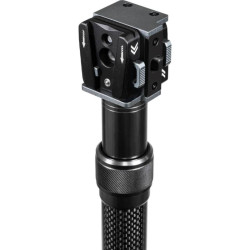
- Extension Pole
- Backpack or Support Belt
*The manufacturer can change the package contents without notice, check the contents of the box with the manager during the order processing.
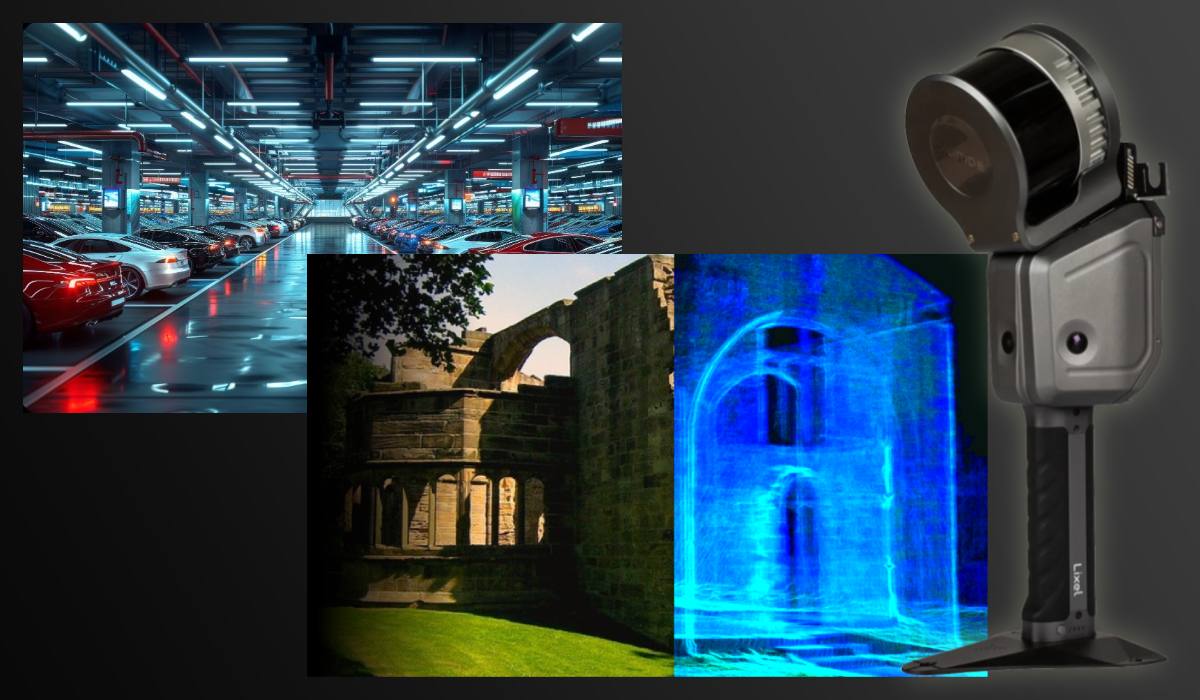
The technical parameters of the XGRIDS L2 Pro 32/300 allow solving tasks where the smallest details and high data density are critically important. It is ideal for scanning terrain, buildings, and other large objects.
Innovative optical system with 2 cameras and ergonomic design
The L2 Pro 32/300 model uses a modern dual-camera system, providing excellent color capture quality even in difficult conditions. The compact body with dust and moisture protection (IP54) facilitates scanner use both indoors and outdoors, including production workshops, museums, and construction sites.
Scan Suite Software: ready to use out of the box
The scanner comes with pre-installed XGRIDS Scan Suite software, which supports automatic alignment, smoothing, and editing of 3D models. The program is intuitive and suitable for both beginners and professionals.
Additionally, integration with CAD platforms such as SolidWorks, AutoCAD, Geomagic, as well as 3D editors like Blender and ZBrush, is available — via .obj, .stl, .ply, .jpg, and other formats.
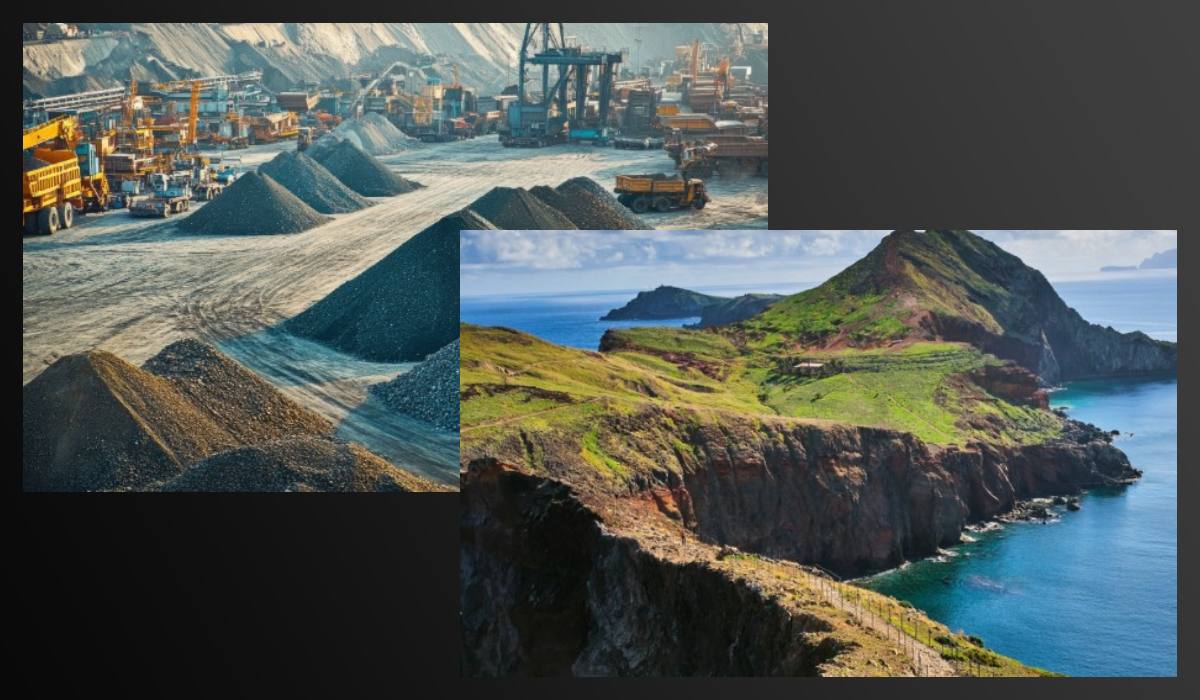
Applications of the XGRIDS L2 Pro 32/300 3D Scanner
The XGRIDS L2 Pro 32/300 is used in various industries:
- Industry and quality control — creation of precise digital copies of products for analysis, measurements, and prototyping.
- Archaeology and cultural heritage — digital restoration of artifacts and art objects without physical contact.
- Medicine — modeling of prostheses and orthopedic solutions.
- Reverse engineering — recreation of drawings from finished products.
- Education and science — precise visualization and modeling of objects for research and educational purposes.
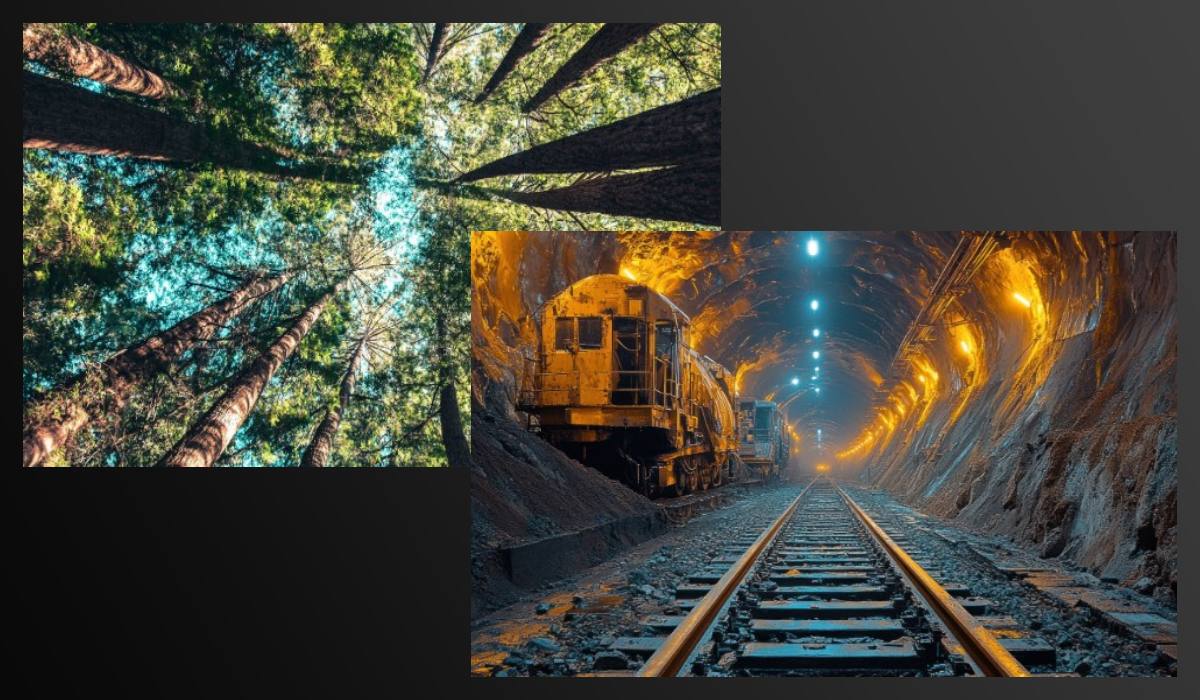
Compatibility, autonomy, and ease of connection
The scanner connects via USB 3.0, ensuring stable data transfer. It is compatible with Windows 10/11 and macOS (via an additional driver). It weighs less than 1.5 kg, making it convenient for portability. Autonomous operation on battery for up to 2 hours.
Advantages of XGRIDS L2 Pro 32/300 in field conditions
- Compactness (weight up to 1.5 kg) and IP54 protection — reliable operation in dusty and open areas.
- Mobile control capability via Lixel GO without a laptop.
- Fast terrain capture with accuracy up to 2 cm — suitable for creating executive diagrams and geodesic surveys.
We invite you to learn more about the capabilities of the 3D scanner in different areas.
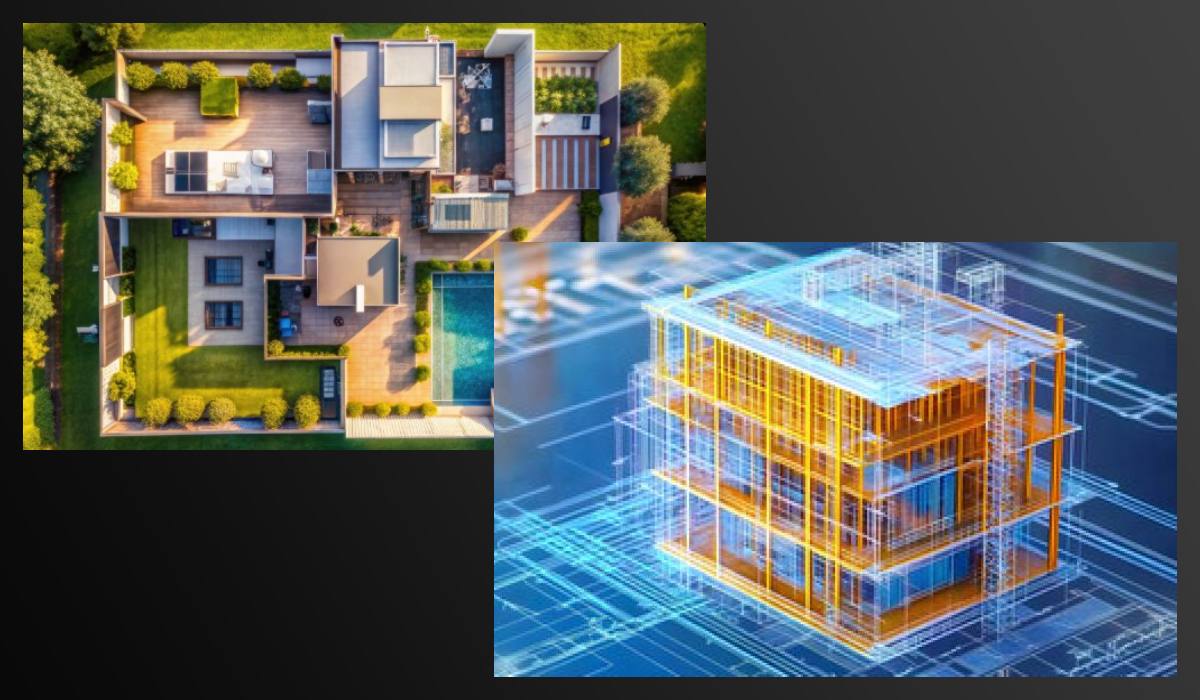
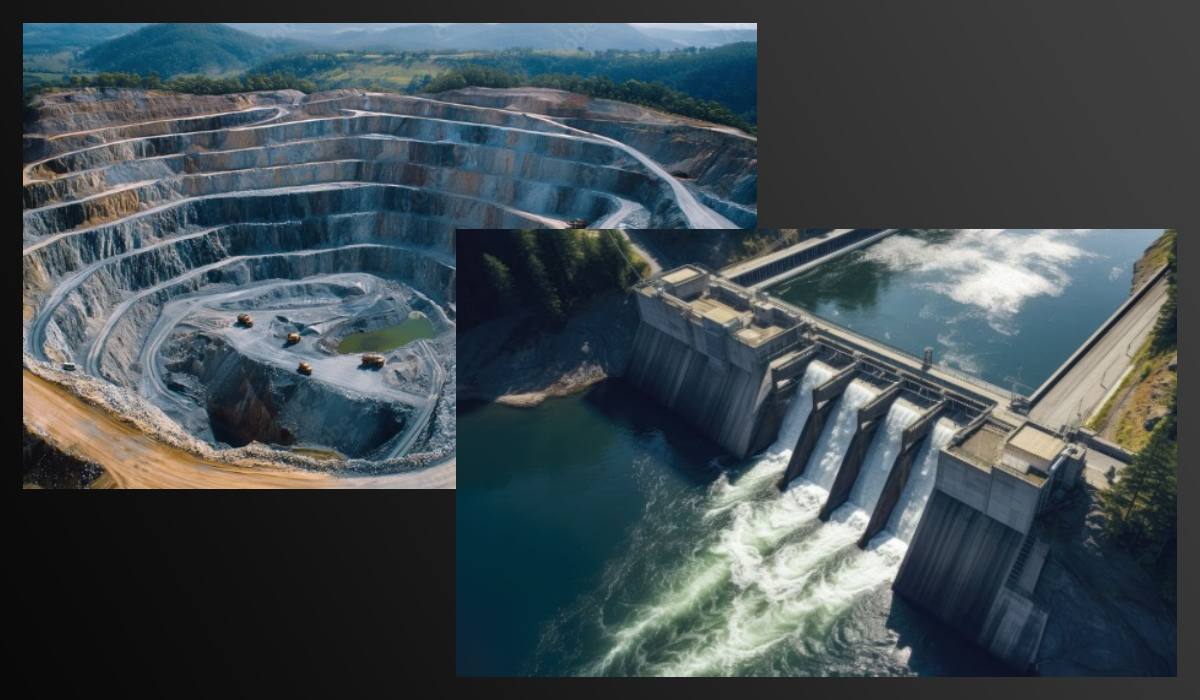
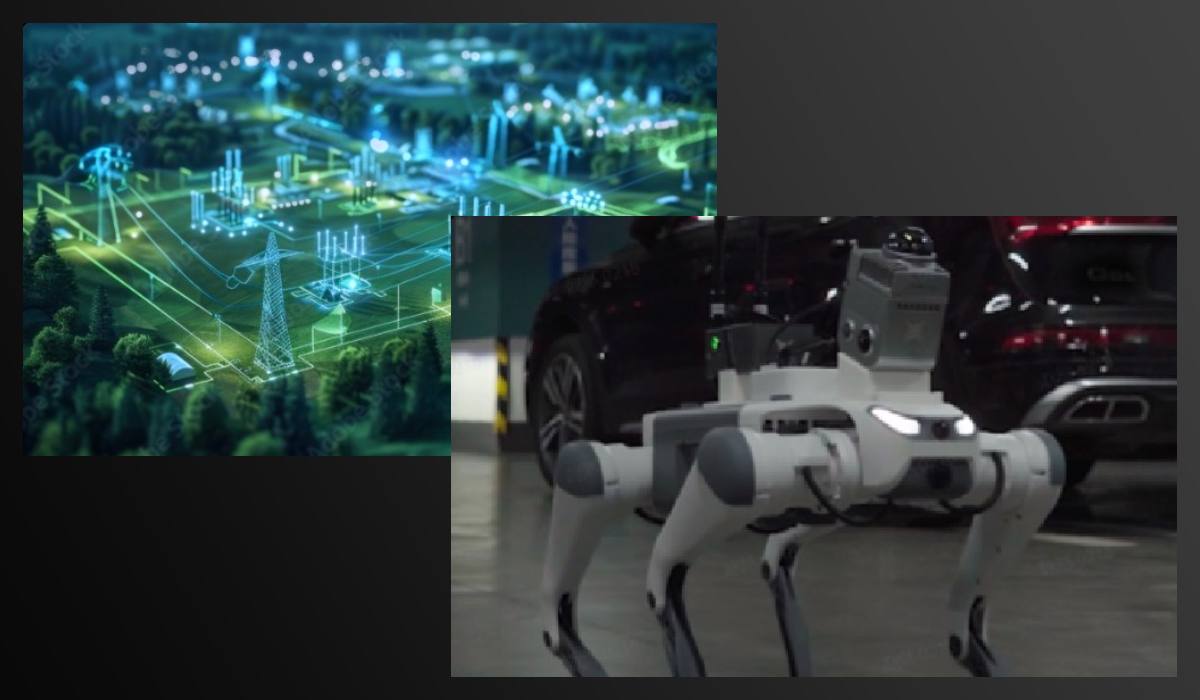
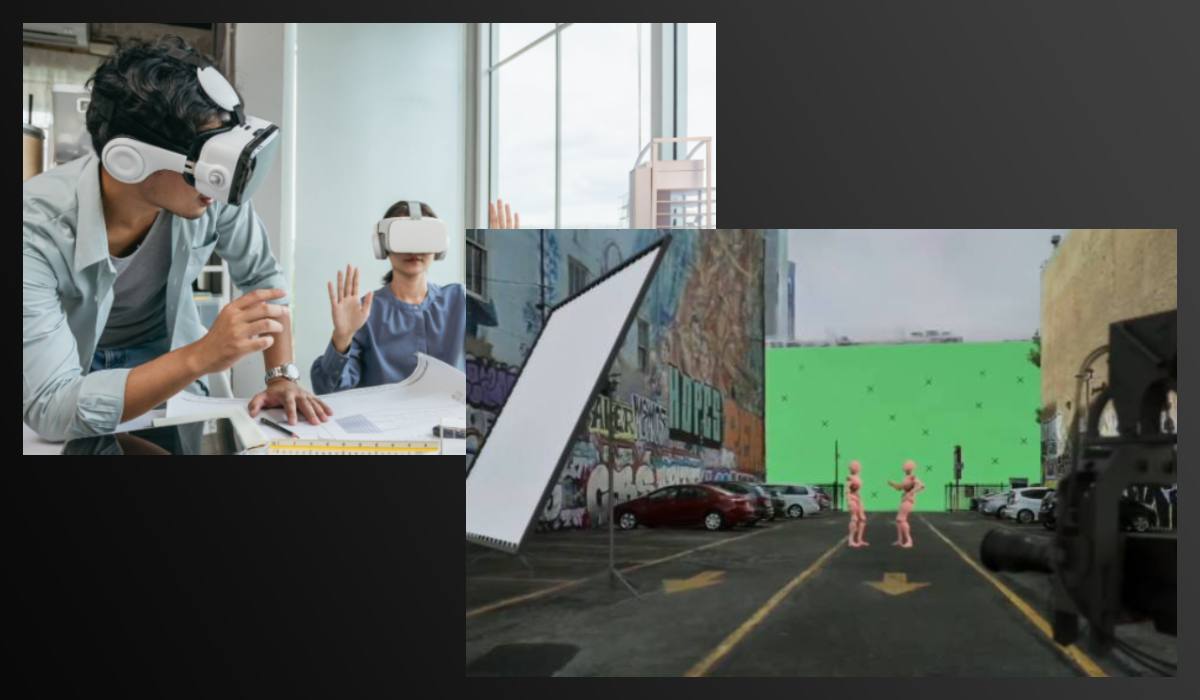
Software for 3D scanning in field conditions without post-processing
Software supplied
Lixel Studio
- Pre-installed with every scanner, including the XGRIDS L2 Pro 32/300 model
- This is an all-in-one software for point cloud processing, using spatial intelligence algorithms.
- Includes functions such as cloud registration, noise removal, measurements, generation of sections and areas, automatic drawing, various visualization modes (RGB, intensity, height, EDL), panoramic overlays, and fusion of multiple datasets for large projects
- The One-Click Processing function allows improving the accuracy and visual quality of 3D models in one step; accuracy reports with automatic verification are included
- A subscription to Veesus Suite is provided free of charge for 12 months with the purchase of the scanner
- Veesus is compatible with XGRIDS and does not require cloud processing — everything runs on the local machine without additional costs
- Supports point cloud visualization, Gaussian Splat technology, creation of realistic 3D models, and lossless data viewing.
Additional software
PointCab Origins
Included in special bundles when purchasing XGRIDS L2 Pro and provided free for 12 months, subscription renewal for an additional fee.
- Allows automatic generation of 2D floor plans, facade sections, frontal projections — directly from 3D point clouds.
- Modules include: Layout & Section, Sketch (measurements, adding text and photos), Align Project (precise positioning), Merge (merging projects), Web-Export (output to HTML/PDF), Transformation Calculator (georeferencing)
- Useful for architects, engineers, BIM specialists, measurement specialists, and cultural heritage professionals.
LCC Studio / LCC Studio Professional
- This is advanced software for creating Gaussian Splats models (Gaussian 3D Reconstruction), available for an additional fee.
- Provides one-click automation: import of video and scanner data, selection of PPR (points per reconstruction), quality settings, 3D model generation. Choosing between indoor and outdoor modes refines point density for optimal processing.
- Supports switching between point cloud view and Gaussian model, avatar perspective, visual representation, and preview before processing.

Description of software capabilities
Lixel Studio (free, perpetual license)
Full set of operations: registration, editing, measurements, reports, cloud fusion Point cloud preparation and processing.
Veesus Suite (free for 12 months, then paid*)
Visualization, Gaussian Splats, realistic models without cloud, visualization of large projects.
Lixel GO (free, included)
Remote control, cloud observation, background control during field surveys on smartphone or tablet.
PointCab Origins (free for 12 months in bundle, then paid**)
Creating 2D plans, sections, measurements, export to HTML/PDF Architecture, BIM, engineering documentation.
LCC Studio / Pro (paid software)
Auto-generation of Gaussian models from video, quality settings, indoor/outdoor modes, visualization R&D, visualization, media and film projects.
*Veesus Suite is free for the first year, then available for a subscription (approx. £797.88/year).
** Connects upon activation of the bundle license within the first 24 months after purchase.
Recommendations for choosing 3D scanner software for earthworks
- Lixel Studio — starting platform: universal and free, ideal for basic processing.
- Veesus Suite — advanced visualization and Gaussian technologies: useful for processing large and complex data.
- PointCab Origins — accelerates the creation of plans and documents for BIM/construction sites, perfectly suited for engineers and architects.
- LCC Studio / Pro — for users who want automated generation of high-quality 3D models directly from scanner and video data.
Lixel GO — mobile app for XGRIDS L2 Pro
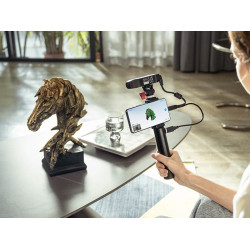
The Lixel GO app works with XGRIDS L2 Pro mobile devices (including the 32/300 model) — it provides communication with the device, real-time data overview, and convenient control from a smartphone or tablet:
- Pre-installed as a free app and comes with the scanner
- Works on mobile devices (phones and tablets), allowing to:
- Activate and set up scanning.
- View the color point cloud in real time directly from the phone screen.
- Monitor the travel path, quickly identify missed areas, and stop recording for saving.
- Control shooting: start, stop recording, select "LCC mode" when using LCC Studio workflow
- Allows connecting to the scanner via Wi-Fi or Bluetooth — convenient for working without a PC, directly on site.
- Supports preview of cloud quality and panoramic video before processing on the workstation.
How Lixel GO works with desktop software
- The Lixel GO app is launched on the mobile device, and scanning settings (LCC/realtime mode) are configured.
- After recording the point cloud and accompanying panoramic video (if LCC mode is used), the data is saved.
- The data is then transferred to a computer for processing in Lixel Studio or LCC Studio/Pro
The Lixel GO app is an essential mobile link in the digital scanning workflow: it provides comfortable control and initial quality verification of data directly on site.
If synchronization with LCC mode or RTK integration is additionally planned, these modes can be activated directly in the field through Lixel GO.
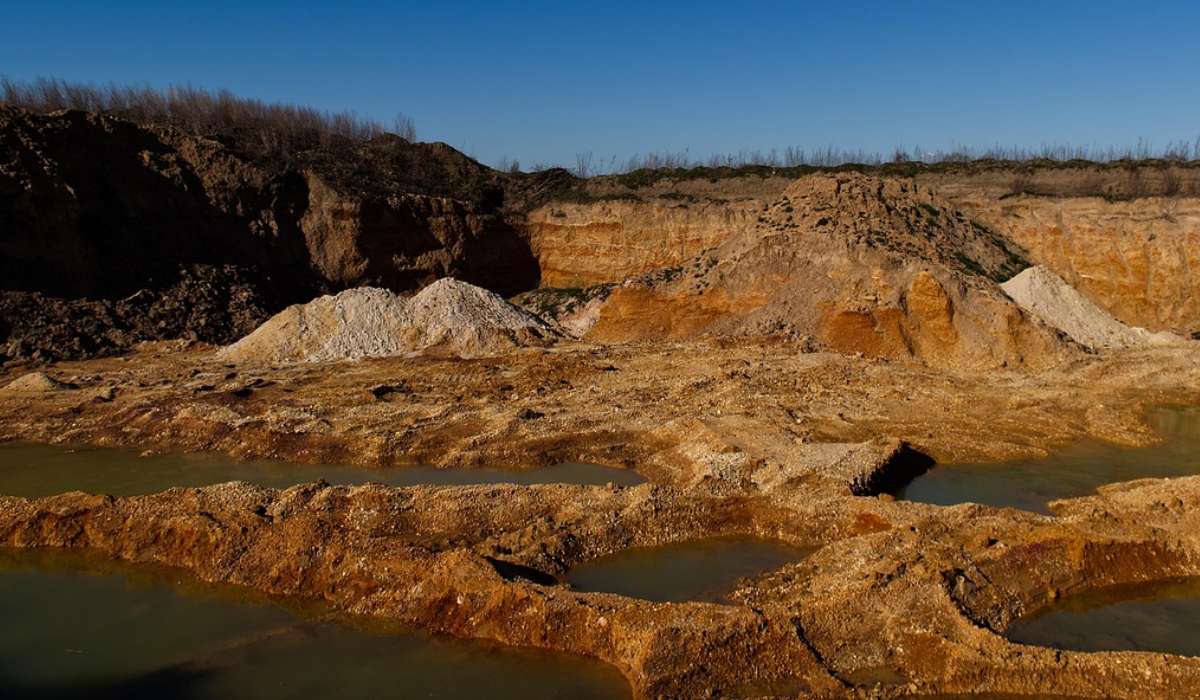
XGRIDS L2 Pro 32/300 3D Scanner for Earthworks – the ideal solution for field conditions
The device combines accuracy, mobility, and extended functionality. It's an excellent tool for specialists who value reliability, speed, and versatility when working with 3D models.
The XGRIDS L2 Pro 32/300 is not just a 3D scanner, but a complete tool for monitoring, analysis, and control in projects where geometry and accuracy are important in real-world terrain conditions. Call us, write to us: we love complex questions!
Specification
| Parameter | Value |
|---|---|
| Device Model | XGRIDS L2 Pro 32/300 (Standard Package) |
| Number of Laser Channels | 32 channels |
| Operating Range | 0.5 m – 300 m |
| Scanning Speed | 640,000 points/s |
| Laser Class & Wavelength | Class 1 / 905 nm |
| LiDAR FOV (Sensor FOV) | 360° × 270° |
| Absolute Vertical Accuracy (RMSE) | 3 cm |
| Absolute Horizontal Accuracy (RMSE) | 3 cm |
| Relative Accuracy (RMSE) | 1 cm (post-processed) / 2 cm (real-time) |
| Accuracy Repeatability (RMSE) | 2 cm |
| Point Cloud Thickness | 0.5 cm |
| Horizontality (with RTK) | 0.015° |
| Verticality | 0.03° |
| Panoramic Cameras | 2 × 48 MP (max panoramic resolution 56 MP) |
| Panoramic Lens Parameters | 1/2" CMOS sensor, 2 mm focal length, F/2.0 aperture, rolling shutter, FOV: 190° × 190° |
| Visual Positioning Camera | 1 × 1 MP, global shutter, FOV: 190° × 119° |
| Device Weight | 1.7 kg |
| Device Dimensions | 180 × 130 × 400 mm |
| Housing Material | Industrial-grade aluminum |
| Power Consumption | < 30 W |
| Connectivity Interfaces | USB 3.1 Gen2 |
| Internal Storage | 1 TB SSD |
| Continuous Operating Time | 1.5 h |
| Wireless Connectivity | Wi-Fi, Bluetooth (802.11a/b/g/n/ac; 2.4G, 5G2, 5G8) |
| Operating Temperature | -20°C to 50°C |
| Protection Class | IP54 |
| Battery Parameters | Voltage: 14.4 V; Capacity: 46.8 Wh |
| Charging Parameters | Input: 100–240 V (50/60 Hz, 1.5 A); Output: 16.8 V, 2.0 A; Power: 34 W |
| Functions & Color Processing | Visual positioning, Real-time RTK Fusion, Real-time RGB |
| RTK Module | GPS L1/L2/L5, GLONASS L1/L2, BDS B1/B2/B3, Galileo E1/E5a/E5b/E6b (Accuracy: Horiz. 0.8 cm + 1 ppm, Vert. 1.5 cm + 1 ppm) |
| Output Data Formats | Point Cloud: .las; Images: .jpg |
| Compatible Scanning Solutions | Handheld scanning, drone-mounted (UAV), vehicle-mounted |
Video review of the XGRIDS L2 Pro 3D scanner





-250x250.jpg "XGRIDS RTK Standard Kit – High-precision positioning module")