


- Stock: In Stock
- Product code: 827588000002659963
- Weight Brutto: 0.51kg
- SKU: RVP-METROX-PRO-ADV

More from this brand


Portable Blue Laser 3D Scanning
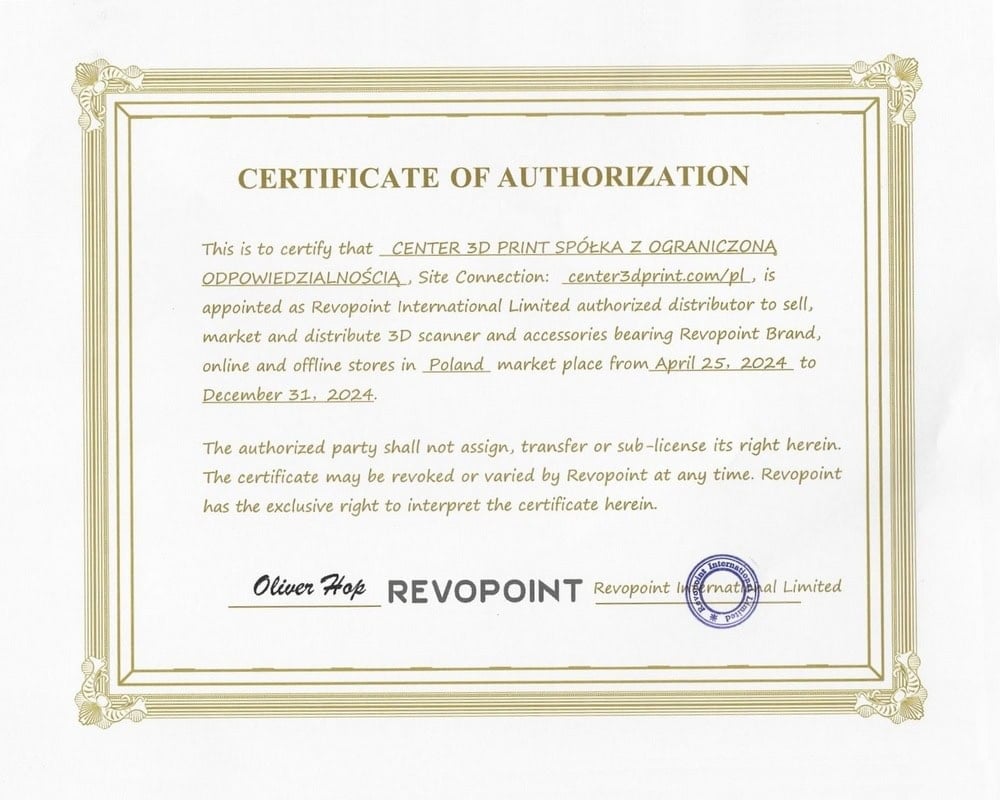
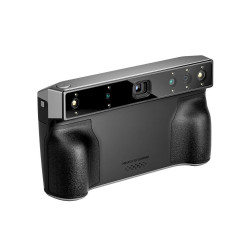
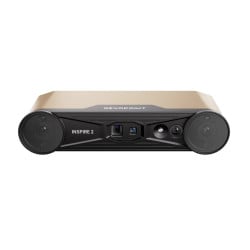
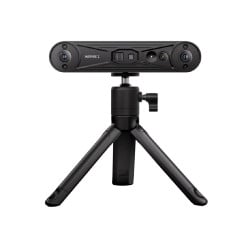
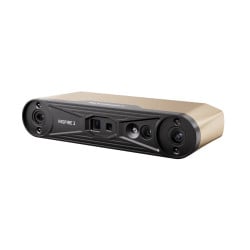
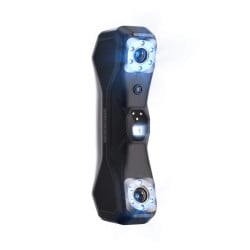
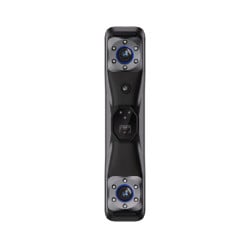
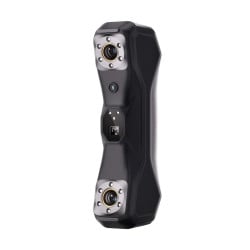
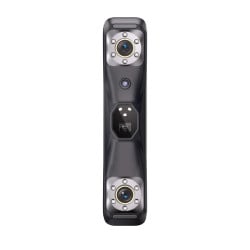
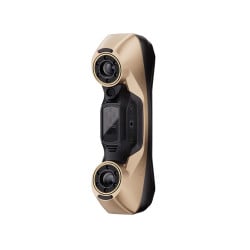
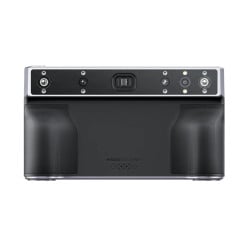
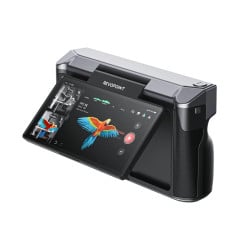
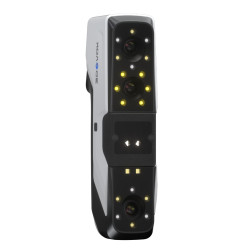
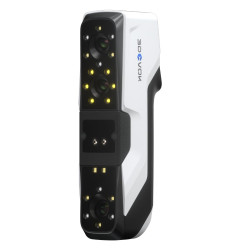
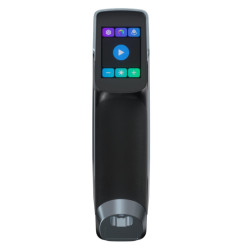
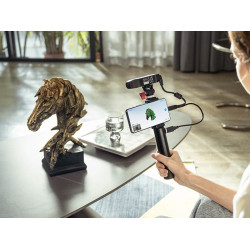
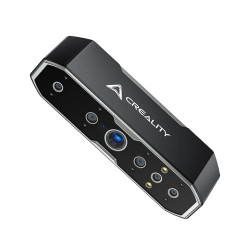
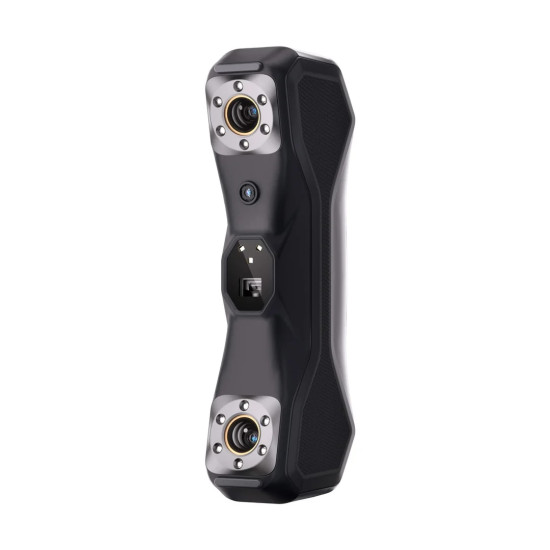
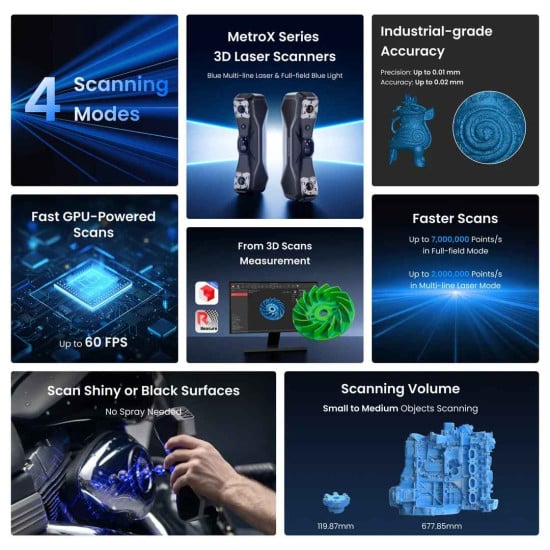
Revopoint MetroX Pro Advanced Edition is a handheld and desktop 3D scanner for small and medium-sized objects. The model uses multi-line laser scanning and full-field structured blue light. In laser modes, up to 30 cross lines and up to 15 parallel lines are available, with a data capture speed of up to 2,000,000 points/s. For Full-field Structured Light, up to 7,000,000 points/s is claimed.
Technical Advantages of Revopoint MetroX Pro
- Accurate reproduction of part geometry. The Single-frame Accuracy indicator characterizes the closeness of the measured value to the actual one and for MetroX Pro is up to 0.02 mm.
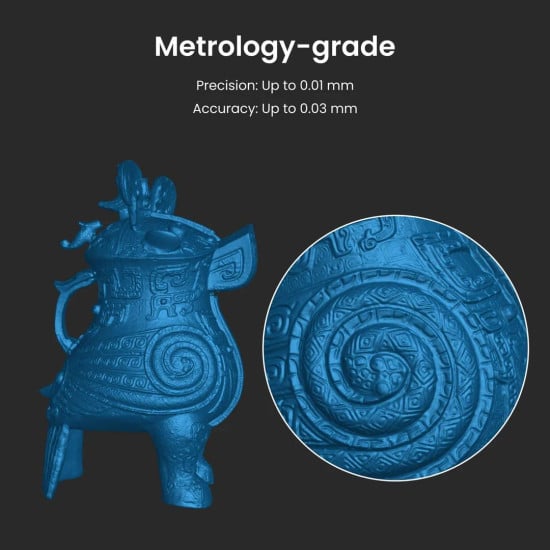
- High repeatability of results. Single-frame Precision shows the stability of repeated measurements of the same object under the same conditions and is up to 0.01 mm.
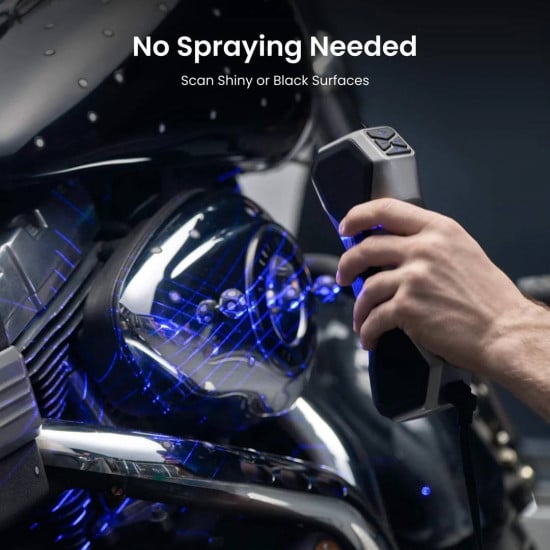
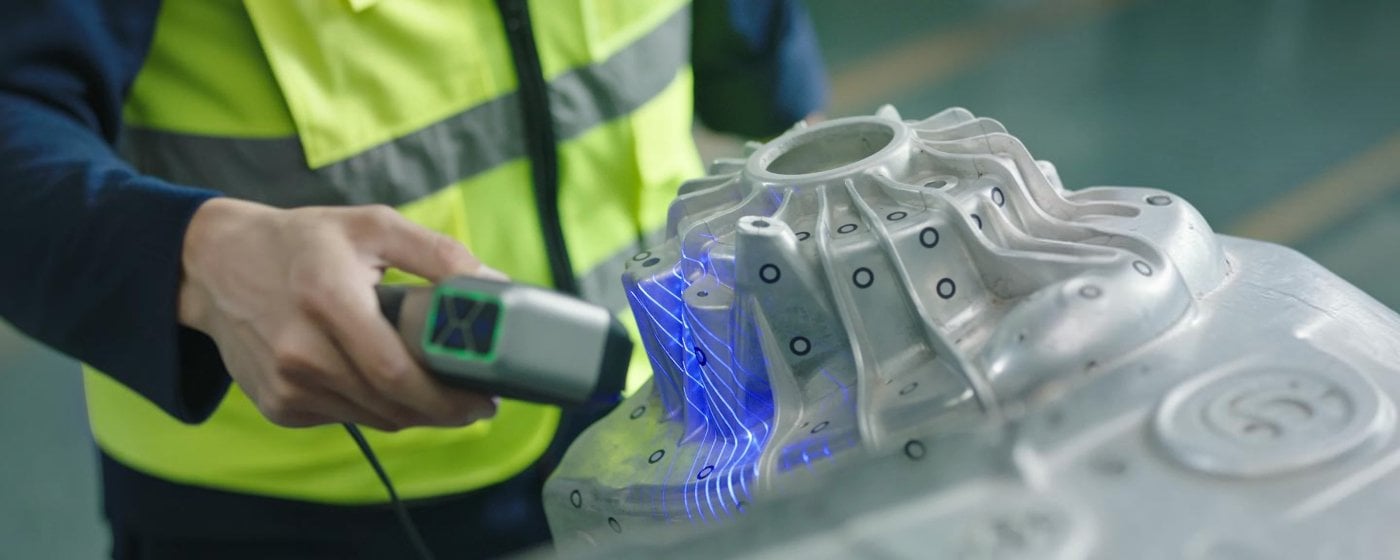
- Fast scanning of complex surfaces. Up to 30 cross laser lines allow efficient capture of flat, dark, and shiny surfaces without scanning spray.
- Detailed scanning of small elements. Up to 15 parallel laser lines are designed to capture edges, small details, and complex geometry.
- Fast scanning without markers. 62 lines of structured blue light provide a speed of up to 7,000,000 points/s and allow scanning of objects with sufficient geometric features without markers.
- Flexible positioning during scanning. MetroX Pro supports three ways of position tracking.
Four Scanning Modes of MetroX Pro
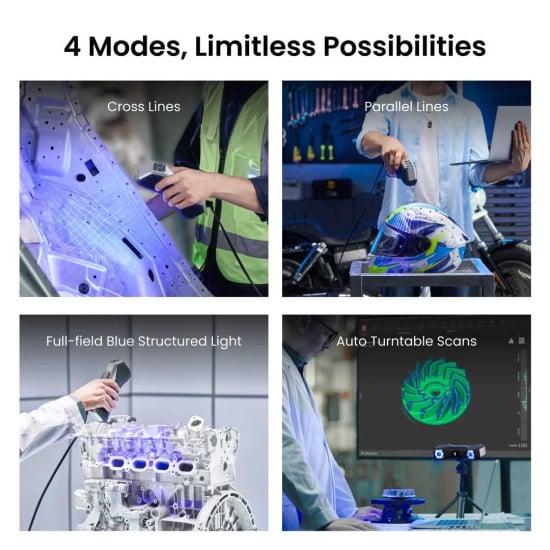
- Cross Lines use up to 30 blue cross laser lines. It is suitable for fast capture of flat, shiny, and dark surfaces without scanning spray.
- Parallel Lines use up to 15 parallel laser lines. The mode is designed for capturing data from small details, edges, and complex-shaped surfaces.
- Full-field Blue Structured Light. Full-field structured blue light projects 62 lines and operates at speeds up to 7,000,000 points/s. For parts with sufficient geometric features, scanning can be performed without markers.
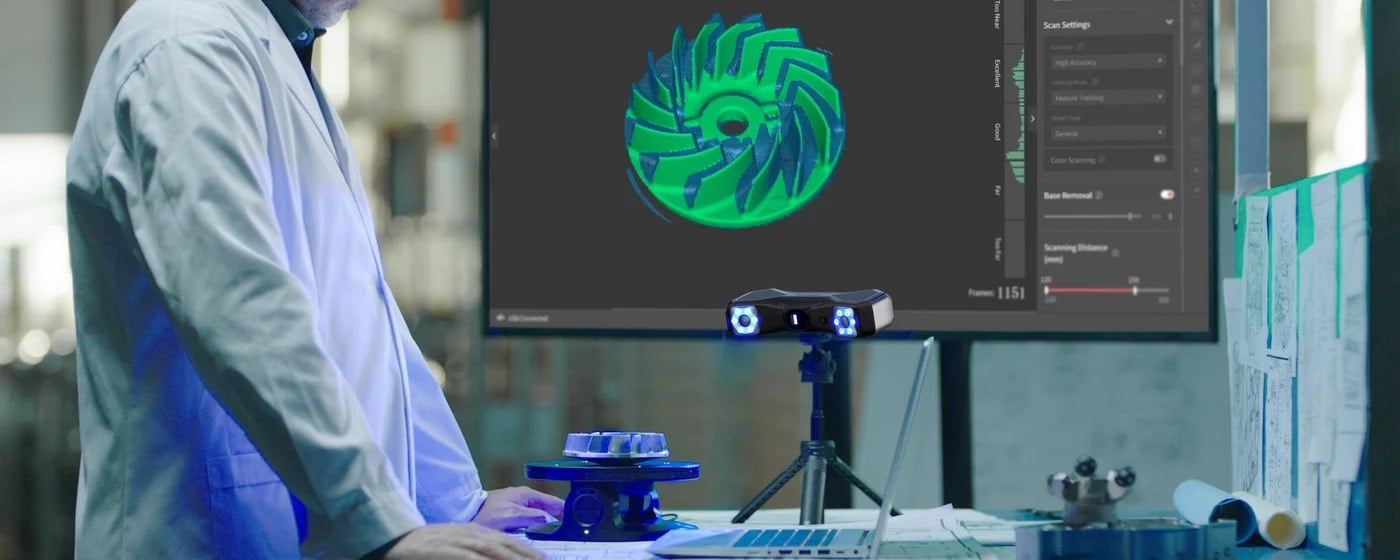
- Auto Turntable is designed for automated scanning with a Dual-axis Turntable. The work is performed through Revo Metro: the scanner is mounted on a tripod, the turntable is connected via Bluetooth, after which Feature Scan or Marker Scan is selected and Auto Turntable is activated.
Laser System for Parts with Different Geometry
MetroX Pro has two laser line configurations. 30 cross lines are designed for fast surface capture, and 15 parallel lines help capture data from edges, small elements, and complex areas. Additionally, full-field structured light with 62 blue lines is available.Compared to MetroX, the Pro version has 30 instead of 14 cross laser lines and 15 instead of 7 parallel lines. The maximum speed of multi-line laser scanning is also 2,000,000 points/s compared to 800,000 points/s in MetroX.
Accuracy and Software
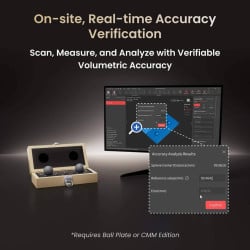
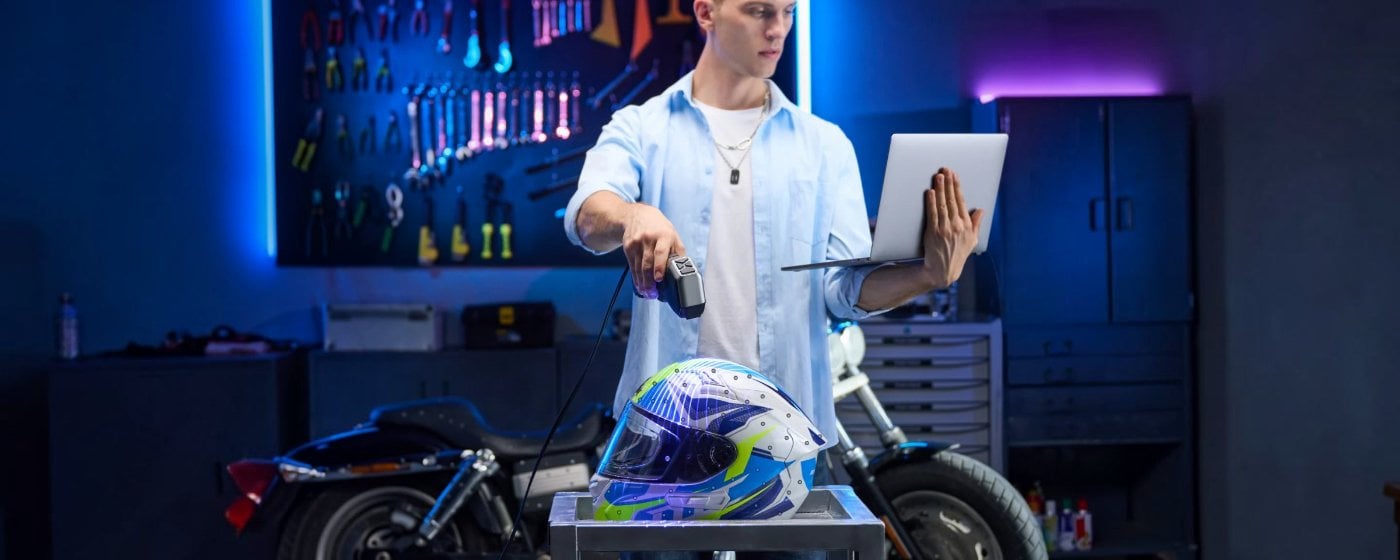
MetroX Pro has Single-frame Accuracy up to 0.02 mm, Single-frame Precision up to 0.01 mm, and Volumetric Accuracy up to 0.02 mm + 0.04 mm × L (m). The volumetric accuracy value depends on the length of the object.The Revo Metro software is used on Windows and macOS. The program allows you to create and edit point clouds, form meshes, and export results in PLY, OBJ, STL, ASC, 3MF, GLTF, and FBX formats.
RGB Camera and Color Data
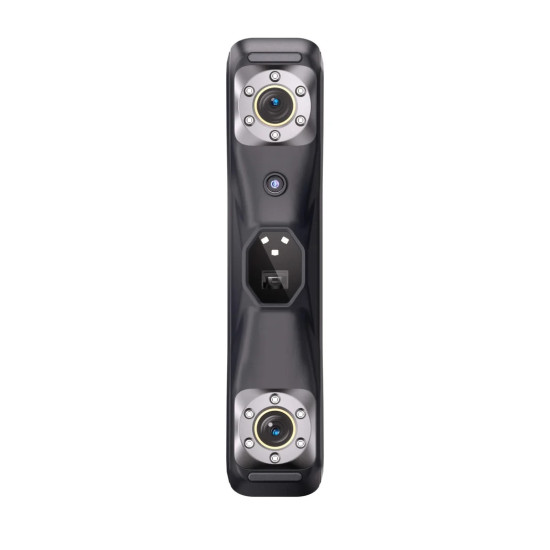
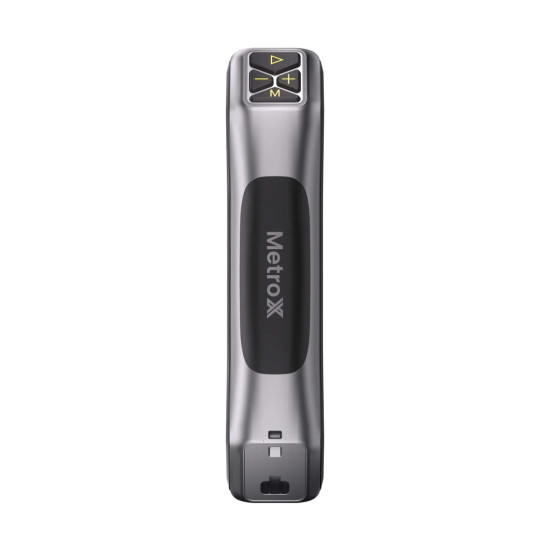
The scanner is equipped with an RGB camera with a resolution of 2 MP. Color scanning is available in Auto Turntable mode. For illumination, 12 blue LEDs are provided. Control is carried out by four buttons, and the built-in processor uses Depth Computing for data processing.
How to Start Working with Revopoint MetroX Pro
Before scanning, you need to select the mode, positioning method, and prepare the surface of the part. For automated work, you can use the Dual-axis Turntable.
- Prepare the part. Clean the surface and determine if markers or scanning spray are needed.
- Select the mode. Use Cross Lines for fast surface capture, Parallel Lines for edges and small elements, Full-field Structured Light for parts with pronounced geometry.
- Set up positioning. Choose Feature, Marker, or Global Marker according to the geometry of the part.
- Connect the scanner. Connect MetroX Pro to the PC via USB Type-C.
- Launch Revo Metro. Select the scanning mode and the desired tracking method.
- Perform the scan. Maintain a working distance of 200–400 mm and monitor the stability of the positioning.
- Process the data. Perform point cloud merging and mesh construction.
- Export the model. Choose the format depending on further work with CAD, 3D printing, or another program.
What's Included in the Revopoint MetroX Pro Advanced Edition
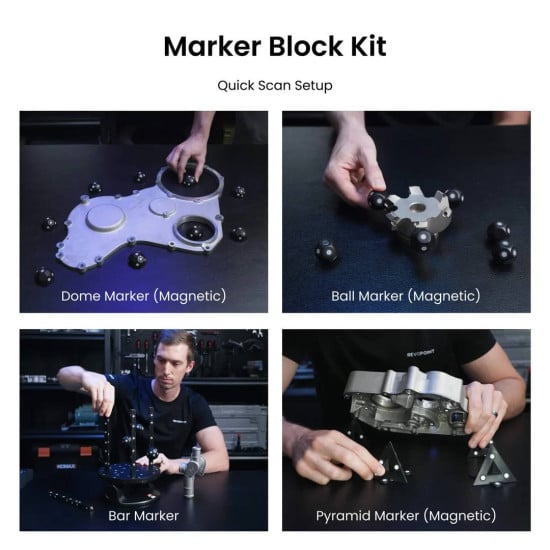
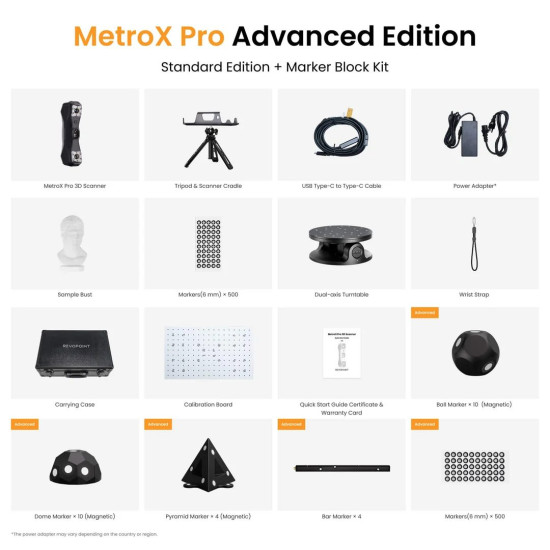
The Advanced Edition includes the full Standard Edition package and an additional Marker Block Kit. Molded marker blocks allow for faster preparation of the marker field for objects with insufficient geometric features.
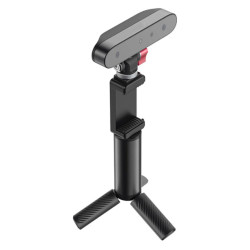
- MetroX Pro 3D scanner with wrist strap. The main module for laser and structured light 3D scanning.
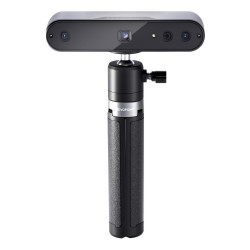
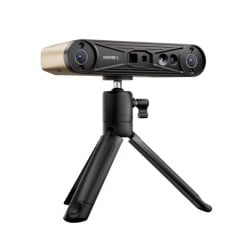
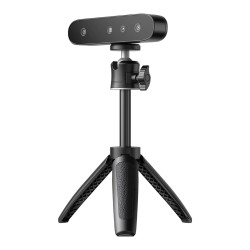
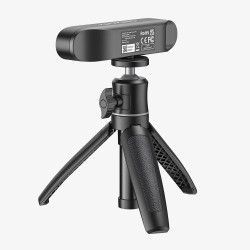
- Tripod and scanner mount. Used for stationary installation and securing the scanner during desktop scanning.
- USB Type-C to USB Type-C cable. Designed for connecting the scanner to a computer and data transfer.
- Power adapter. Provides power to the scanner during operation.
- Test bust. Used to check the scanner's operation and for trial 3D scanning.
- Reflective markers 6 mm — 500 pcs. Used as reference points for marker positioning during 3D scanning.
- Dual-axis turntable. Designed for automatic rotation of the object during desktop scanning.
- Protective case. Used for storing and transporting the scanner and accessories.
- Calibration plate. Used for calibrating the optical system of the 3D scanner.
- Quick guide, certificate, and warranty card. Contain information for getting started and warranty service of the device.
- Magnetic spherical marker blocks — 10 pcs. Used for forming the marker field during scanning objects with insufficient geometric features.
- Magnetic dome marker blocks — 10 pcs. Used for creating reference points and stable positioning during scanning.
- Magnetic pyramid marker blocks — 4 pcs. Used for forming the marker field during marker 3D scanning.
- Marker blocks in the form of a bar — 4 pcs. Used for creating additional reference points during scanning.
Technical Specifications of Revopoint MetroX Pro
Scanning Specifications
| Specification | Value |
| Type of Scanning | Handheld and desktop |
| Technology | Multi-line laser scanning and full-field structured light |
| Object Size | Small and medium |
| Single-frame Precision | Up to 0.01 mm |
| Single-frame Accuracy | Up to 0.02 mm |
| Volumetric Accuracy | 0.02 mm + 0.04 mm × L (m) |
| Fused Point Distance | Up to 0.05 mm |
| Working Distance | 200–400 mm |
| Single Frame Area at 200 mm | 160 × 70 mm |
| Single Frame Area at 400 mm | 320 × 215 mm |
| Field of View H × V | 43 × 33° |
| Minimum Scanning Volume | 10 × 10 × 10 mm |
| Maximum Scanning Volume | 1 × 1 × 1 m |
| Multi-line Blue Laser Speed | Up to 2,000,000 points/s |
| Full-field Blue Light Speed | Up to 7,000,000 points/s |
| Cross Laser Lines | 30 |
| Parallel Laser Lines | 15 |
| Structured Light | 62 lines |
| RGB Camera | 2 MP |
| Color Scanning | Only in Auto Turntable mode |
| Positioning | Feature, Marker, Global Marker |
| Illumination | 12 blue LEDs |
| Laser Class | 2M |
System and Operational Specifications
| Specification | Value |
| Processor | 4-core ARM, 2.0 GHz |
| Computing | Depth Computing |
| Buttons | 4 |
| Connection | USB Type-C |
| Power Supply | DC 12 V, 3 A |
| Operating Systems | Windows 10/11 64-bit, macOS 11.0 or newer |
| Export Formats | PLY, OBJ, STL, ASC, 3MF, GLTF, FBX |
| User Calibration | Yes |
| Supported Accessories | Dual-axis turntable, marker block kit |
| Outdoor Operation | No |
| Net Weight | 0.508 kg |
| Net Dimensions | 209 × 88 × 44 mm |
Practical Recommendations for Working with MetroX Pro
- For flat, dark, and shiny surfaces, choose Cross Lines. This mode provides up to 30 cross lines and can work without scanning spray for the specified types of surfaces.
- For edges and fine geometry, use Parallel Lines. Up to 15 parallel laser lines are designed to capture small details and complex surfaces.
- For parts with pronounced geometry, check Full-field Structured Light. The mode can work without markers and achieves 7,000,000 points/s.
- For objects with few geometric features, use markers. The Advanced Edition includes a Marker Block Kit that reduces the time for preparing the marker field.
- When working with long parts, consider Volumetric Accuracy. The formula includes the parameter L, so the indicator should not be interpreted as a fixed tolerance for the entire object.
Order the Revopoint MetroX Pro Advanced Edition 3D Scanner
The Revopoint MetroX Pro Advanced Edition is suitable for digitizing parts, reverse engineering, geometry control, preparing 3D models, and scanning complex surfaces within the declared modes. Order the Revopoint MetroX Pro Advanced Edition and get consultation on the package, specifications, and delivery.