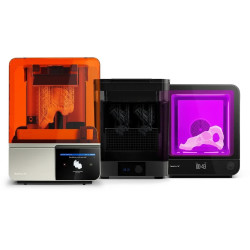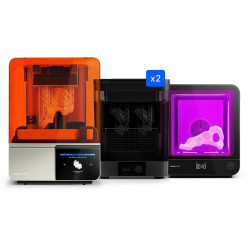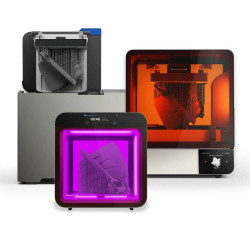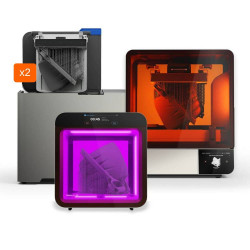


- Stock: In Stock
- Product code: 827588000001957118
- Weight Brutto: 160.00kg
- SKU: FSX1-PC-01

More from this brand


Large-Format SLS Printing for Serial Production and Prototypes
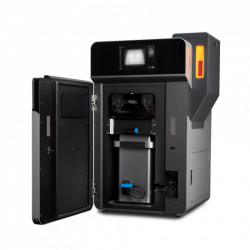
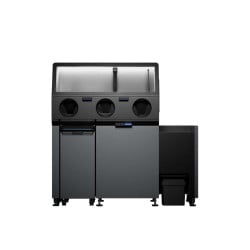
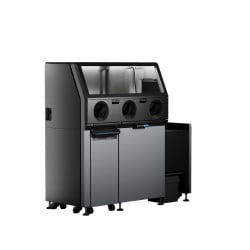
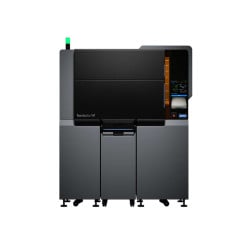
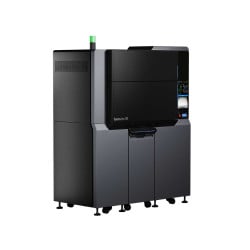
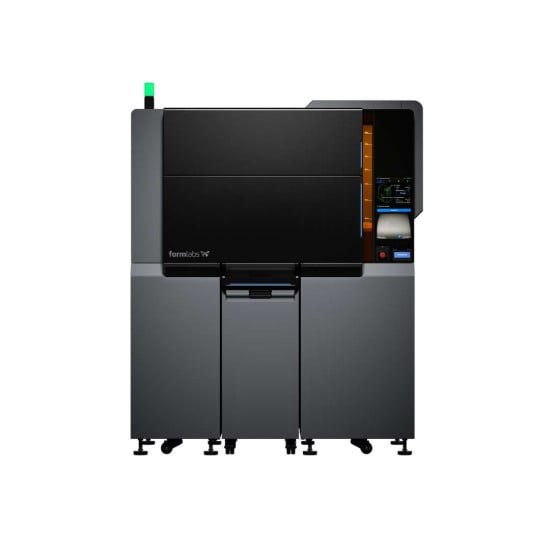
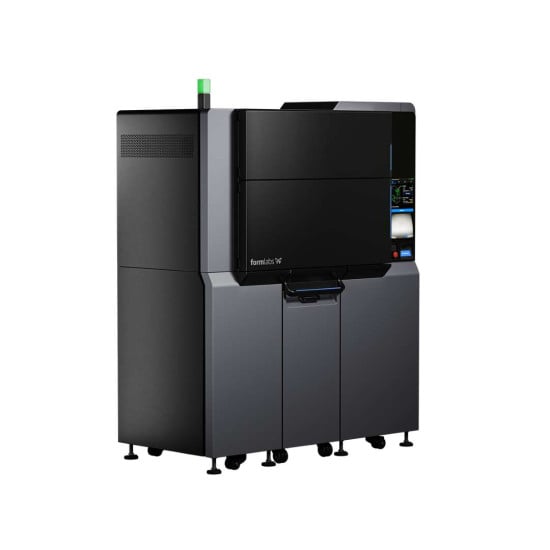
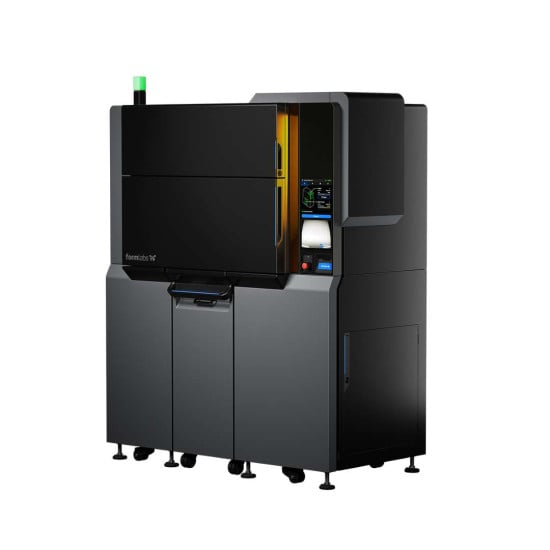
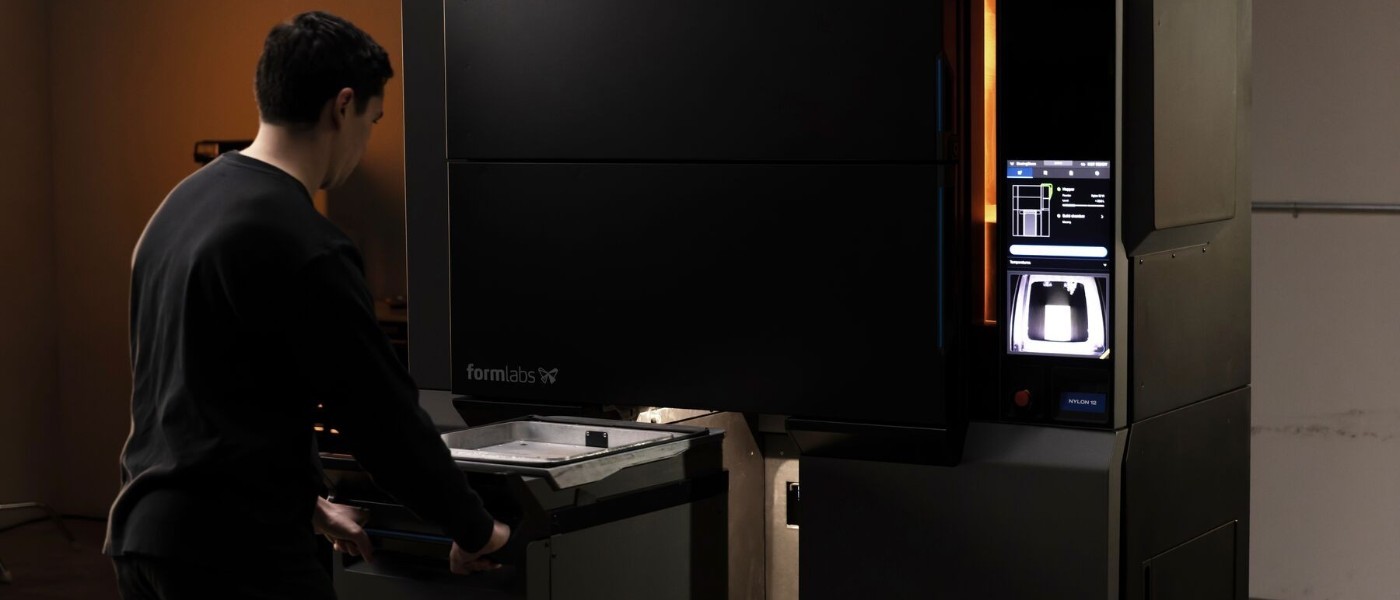
Formlabs Fuse X1 is an industrial SLS 3D printer designed for serial production of parts and full-size prototypes. The equipment has a build volume of 330 × 330 × 565 mm, equipped with a 120 W ytterbium fiber laser, and provides a layer thickness of 110 microns. The system forms batches of products without using separate support structures: unsintered powder naturally supports overhangs, internal cavities, and channels. The model is optimized for manufacturing enclosures, tooling, and densely packed series.
Main Advantages of Formlabs Fuse X1
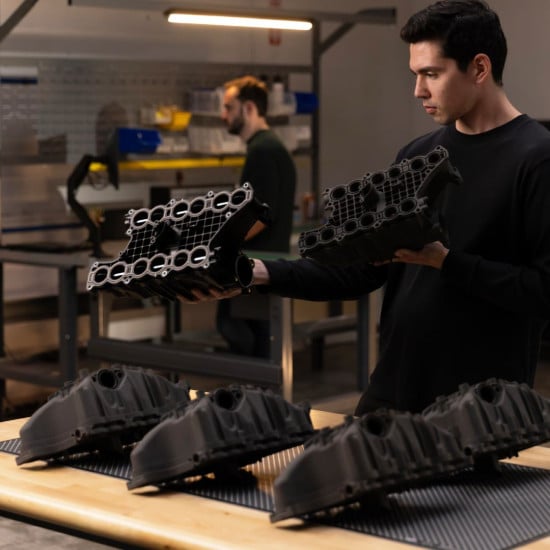
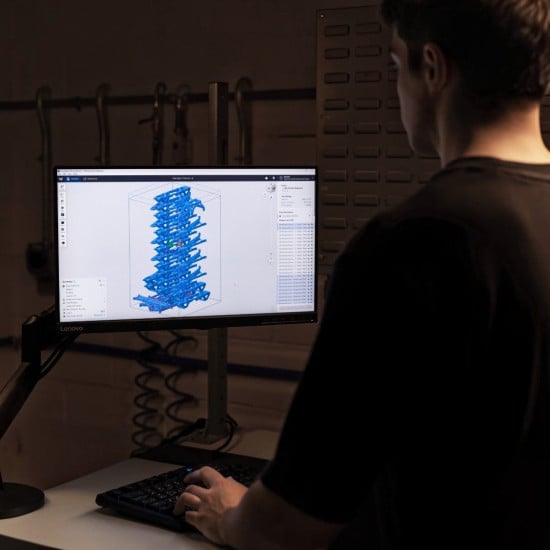
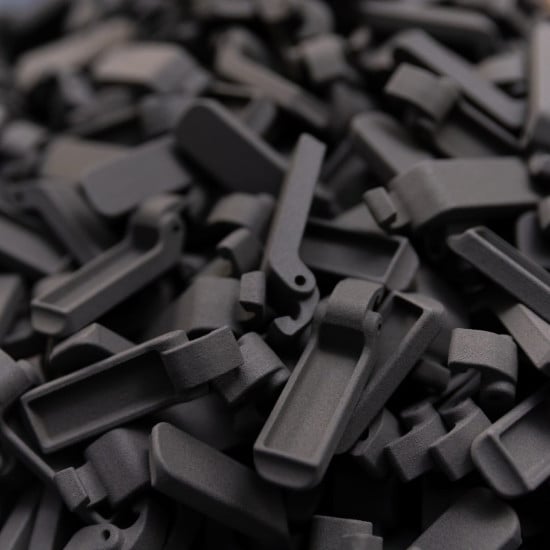
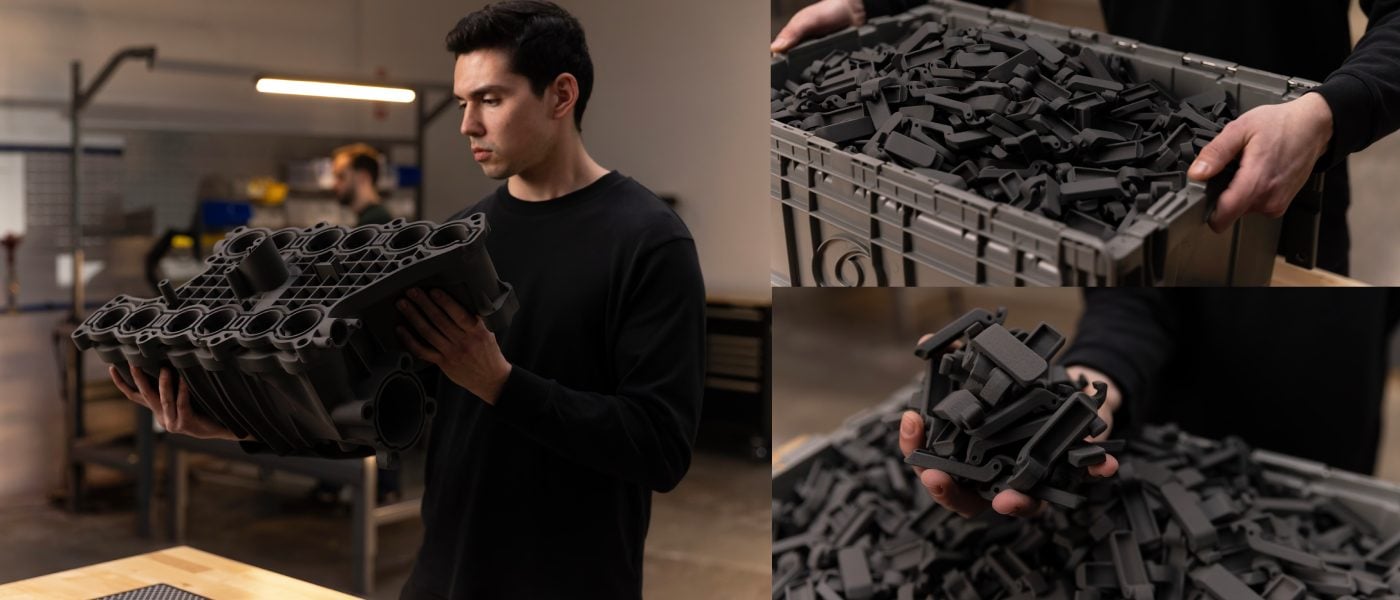
- Accommodates large parts and dense batches. The working volume of 330 × 330 × 565 mm (61.5 L) allows printing large-sized products and placing a significant number of parts in one build. A high packing density of over 30% by volume and over 48% by weight helps to use the entire chamber space more efficiently and increase product output per cycle.
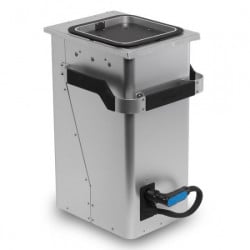
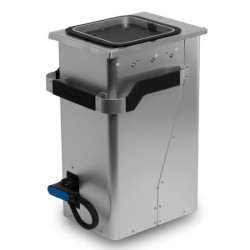
- Quickly transitions to the next task. The removable Fuse X1 Build Unit can be rolled out and replaced with a new one in less than 5 minutes. Thanks to the insulated design, the completed build cools outside the 3D printer while a new print cycle is already underway inside, reducing equipment downtime.
- Ensures fast material sintering. The 120 W ytterbium fiber laser with a wavelength of 1064 nm and a spot size of 330 microns maintains high operating speed and stable part quality even at maximum chamber load.
- Maintains stable temperature throughout the chamber. The thermally insulated chamber, quartz tube heaters, and 13 independent heating zones precisely control the thermal regime from the first to the last layer. This minimizes the impact of model placement on print results and promotes uniform mechanical properties of parts.
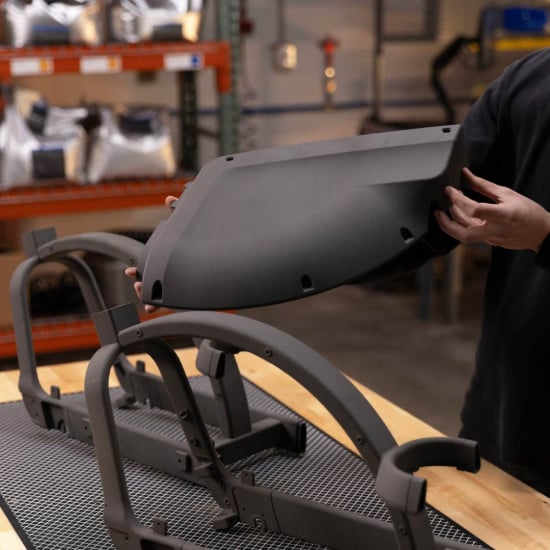
- Prints without support structures. SLS technology uses unsintered powder as a natural support for the model. This allows for the creation of complex geometric shapes, internal channels, cavities, and functional mechanisms without additional support removal operations.
- Monitors the build during operation. The intelligent Print Intelligence system analyzes video stream and thermal data in real-time using AI-based computer vision. It detects anomalies, localizes problem areas, and helps preserve suitable parts without restarting the entire build.
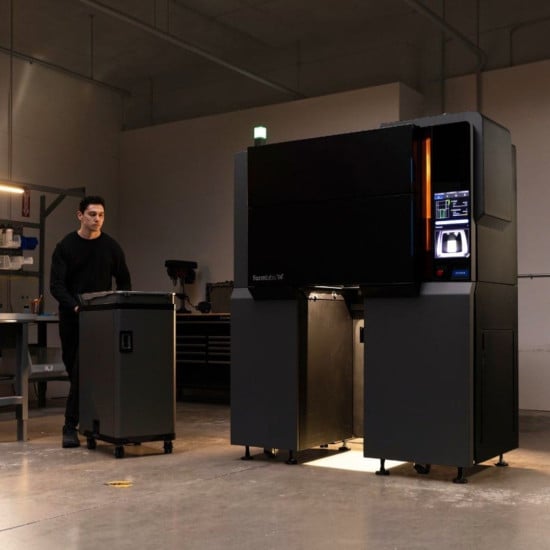
- Requires moderate shop floor space. The casing with dimensions of 157 × 83 × 193 cm occupies a base area of only 1.3 m². The system easily passes through standard doorways and does not require complex room preparation for installation. The startup process is as quick as possible — from unpacking to the first print in less than 60 minutes.
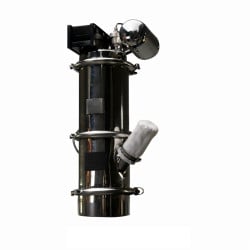
- Automates powder loading and recovery. The 105 L hopper is compatible with the Fuse X1 Vacuum Conveyor, reducing operator contact with the material during loading. Recovered powder can be automatically transported to the Mix Kit system, mixed with new powder in a specified ratio, and reused in subsequent print cycles, helping to reduce material costs and increase production efficiency.
How Selective Laser Sintering Works
In the SLS process, a thin layer of polymer powder is preheated almost to the melting point. Then, the laser selectively sinters the material particles according to the model's cross-section, the platform lowers, and the application mechanism distributes the next layer. The unsintered powder serves as a natural support for overhangs, cavities, and channels in the part, eliminating the need for separate supports.
The ytterbium fiber laser operates at a wavelength of 1064 nm with a maximum power of 120 W. A focal spot size of 330 microns (FWHM criterion) and high-precision Formlabs fourth-generation galvanometers ensure perfect beam positioning on the plane. A layer thickness of 110 microns determines the step movement along the Z-axis.
Precise Temperature Control and 3D Printing Monitoring with Print Intelligence
The working chamber maintains a temperature of up to 210 °C and uses a thermal chamber with quartz tube heating elements and 13 independent heating zones. This system ensures even temperature distribution throughout the build volume and helps achieve stable results regardless of part placement in the chamber.
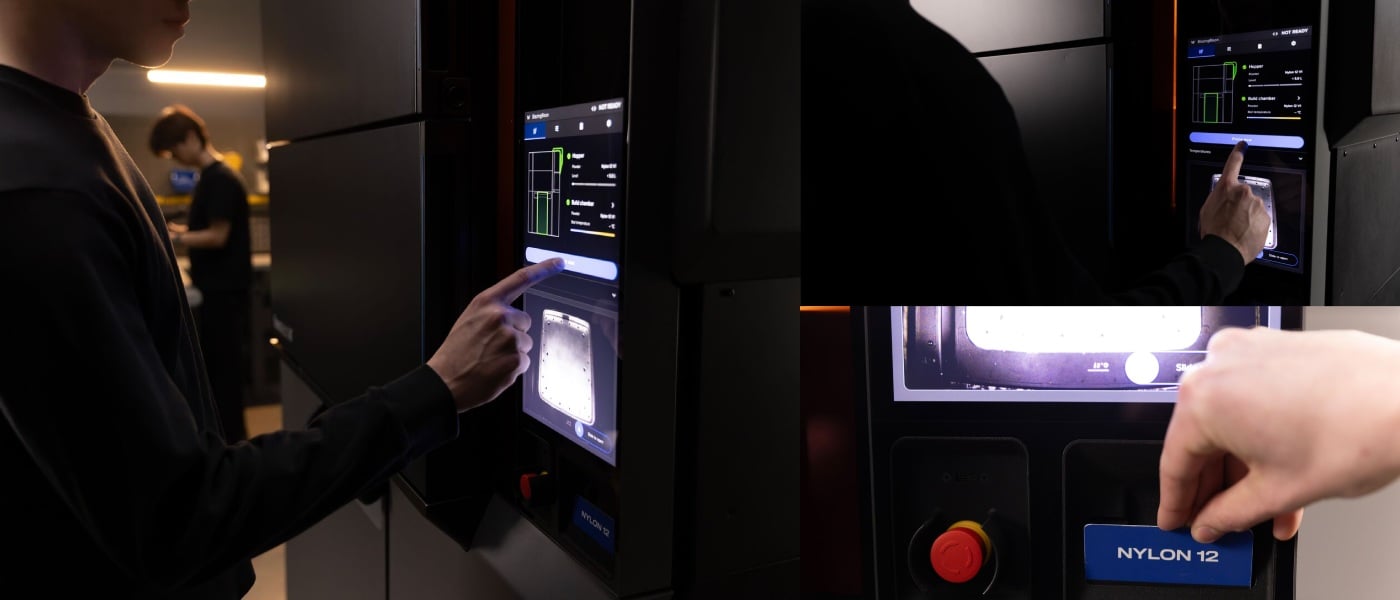
Print Intelligence monitors the 3D printing process in real-time using computer vision and thermal data analysis. The system detects deviations during the build, localizes problem areas, and helps preserve the rest of the parts in the batch without needing to restart the entire task. The operator can control the process via the printer's touchscreen display or remotely through the control panel, receiving notifications about the equipment status and the 3D printing process.
Build Module and Inter-Cycle Operation
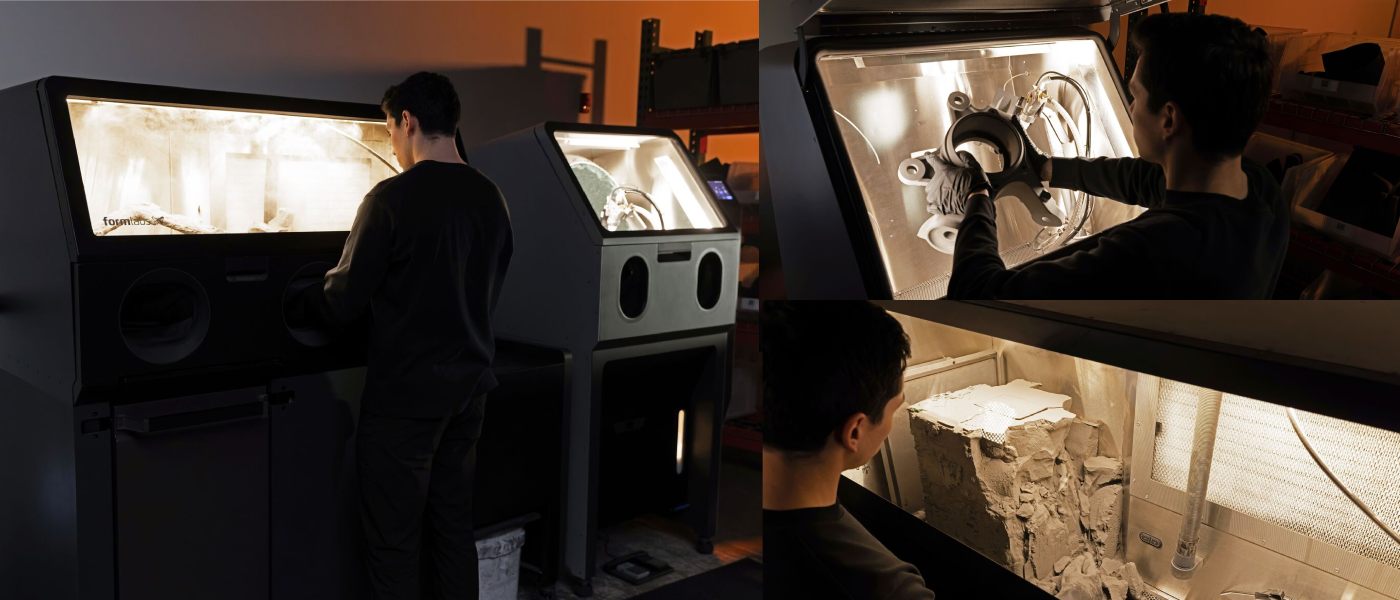
After completing 3D printing, the build module moves to the Fuse Sift X1 station for part extraction and powder recovery. Thanks to automatic power and data connection, module replacement is quick, allowing the next task to start in less than 5 minutes.
The insulated design ensures gradual cooling of parts outside the printer without affecting the next 3D printing cycle. This approach helps reduce equipment downtime and increase production process efficiency. For continuous operation, the system can use multiple build modules, with one module cooling or cleaning while another is engaged in a new task.
Model Preparation and 3D Printing Process Management
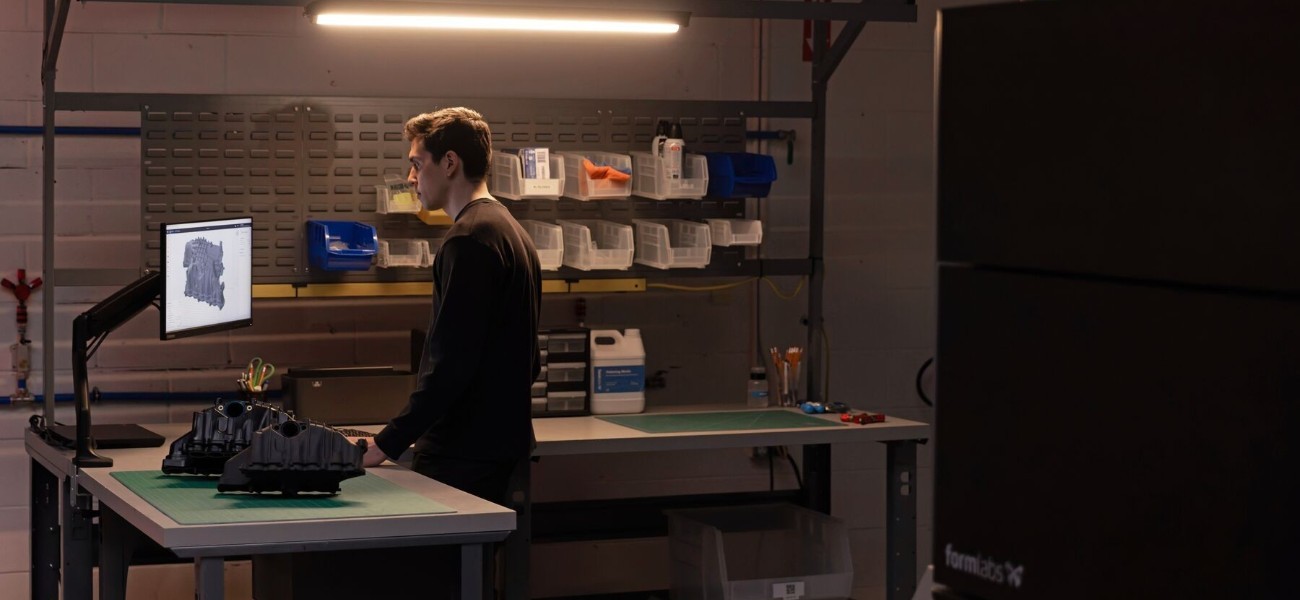
PreForm is Formlabs' proprietary software for preparing models for 3D printing. The program automatically optimizes placement and batch density in the three-dimensional volume, allows fixing the orientation of specific parts, and supports formats .STL, .OBJ, .3MF, STEP, SolidWorks, and CATIA. The finished project is saved in the .FORM output format.
File transfer to the printer is done via Wi-Fi (2.4/5 GHz), Gigabit Ethernet (1000 Mbps), or USB-C port. The large 15.55-inch touchscreen with a resolution of 1080 × 1920 displays the task queue, camera video, and service messages. The Cloud Dashboard allows remote work status checks and setting up email or SMS notifications.
Safe Powder Handling and Filtration System
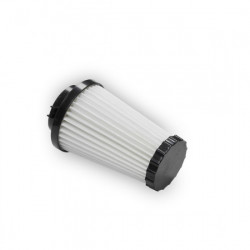
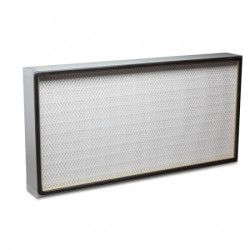
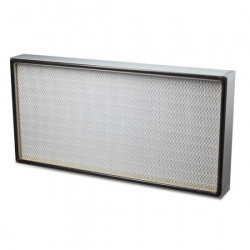
Formlabs Fuse X1 is equipped with an air handling system with the option to connect external inert gas. Air cleaning is done using a two-stage filtration system with replaceable HEPA and carbon filters, and filtered air is exhausted through the exhaust system. For working with powder materials, the printer can integrate with the Fuse X1 ecosystem equipment, which automates powder transportation, mixing, and recovery, reducing manual operations during the production process.
According to IEC 60825-1:2014, Formlabs Fuse X1 is a Class 1 laser product. The laser system uses a ytterbium fiber laser with a wavelength of 1064 nm and power up to 120 W, with accessible radiation during normal operation within Class 1 requirements. The equipment also meets safety standards UL 2011, CSA C22.2 No. 301, EN 60204-1, IEC 60825-1, and IEC 62368-1.
Where Formlabs Fuse X1 is Used
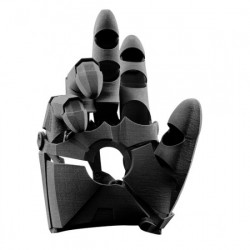
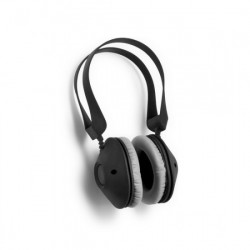
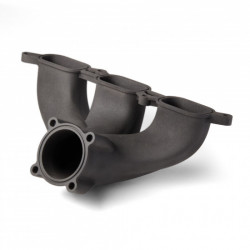
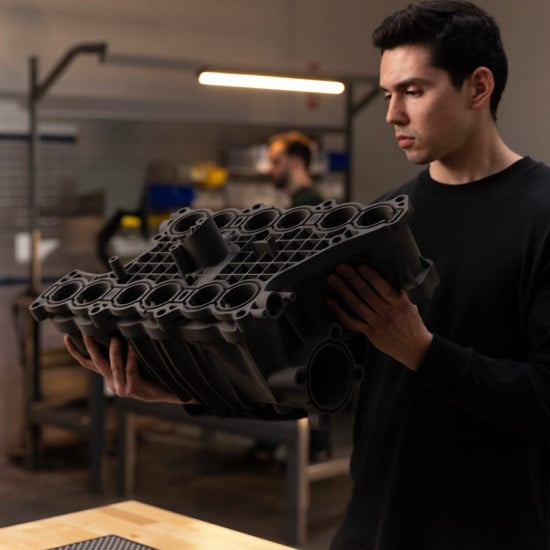
Formlabs Fuse X1 is designed for manufacturing functional parts, prototypes, and serial batches using SLS printing. With a working area of 330 × 330 × 565 mm, no supports, and the ability to densely place models in the chamber, the system is suitable for production and engineering tasks of varying complexity, including:
- manufacturing functional prototypes and research samples;
- printing large enclosures, panels, brackets, and structural elements;
- serial and small-batch production of finished parts;
- tooling, templates, jigs, and assembly devices;
- parts with complex geometry, internal channels, and cavities;
- spare parts and components for production;
- products for automotive, aerospace, electronics, and industrial sectors.
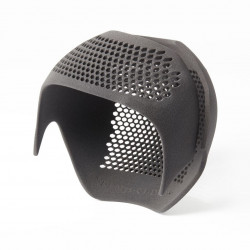
SLS technology allows printing complex structures without support elements, simplifying the production of parts with internal channels, lattice structures, and other complex geometries. Thanks to the high packing density in the Fuse X1 working chamber, it is effectively used for serial production of a large number of products in one cycle.
Materials and Compatible Equipment
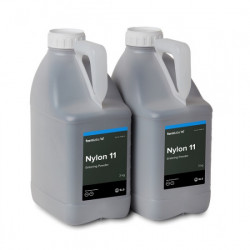
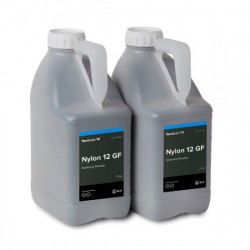
Formlabs Fuse X1 supports working with proprietary Nylon 12 Powder, used for manufacturing functional prototypes, tooling, and end-use parts. The system is also compatible with powder materials for lasers with a wavelength of 1064 nm, allowing the use of third-party powders according to production process requirements.
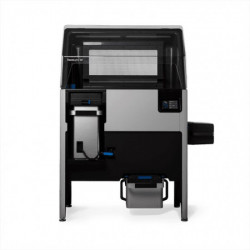
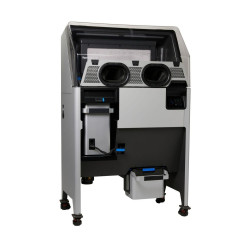
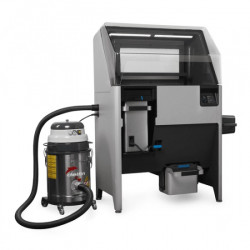
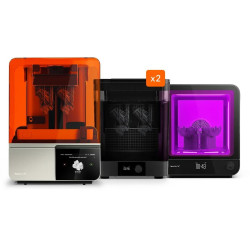
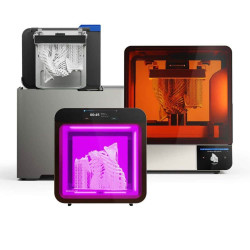
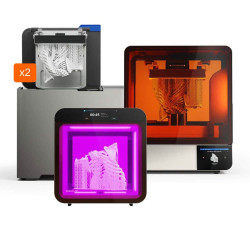
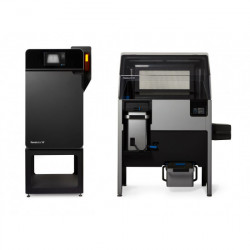
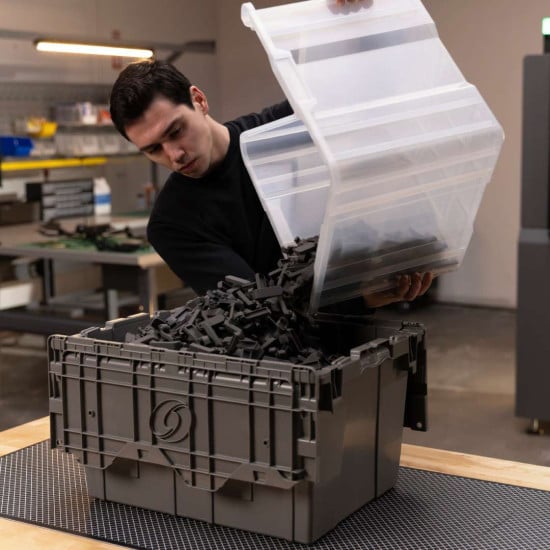
- Fuse Sift X1. Station for extracting finished parts and recovering unsintered powder. Equipped with a sealed working chamber and integrated tools for cleaning parts.
- Fuse X1 Mix Kit. System for automatic mixing of new and recovered powder in a specified ratio before reuse.
- Fuse X1 Vacuum Conveyor. Vacuum system for powder transportation between the printer, Fuse Sift X1 station, and Mix Kit, reducing manual operations.
- Fuse Blast. Equipment for cleaning and finishing SLS parts after printing.
- Fuse Blast High Capacity Kit. Kit with a Large Tumbler basket 400 mm in diameter for processing larger batches of parts in one cycle.
- Fuse X1 Build Unit. Removable thermally insulated build chamber, allowing the next task to start without waiting for the previous build to fully cool.
Using the Fuse X1 ecosystem equipment helps automate the production cycle, organize the reuse of recovered powder, and increase the productivity of serial SLS production.
Technical Specifications of Formlabs Fuse X1
| Parameter | Value |
| Printing Technology | Selective Laser Sintering (SLS) |
| Working Area | 330 x 330 x 565 mm |
| Working Area Volume | 61.5 L |
| Laser Type | Ytterbium Fiber |
| Layer Thickness | 110 microns |
| Laser Power | 120 W |
| Laser Wavelength | 1064 nm |
| Laser Spot Size | 330 microns |
| Beam Divergence | 3 mrad |
| Hopper Capacity | 105 L |
| Galvanometers | Formlabs Custom, 4th Generation |
| Build Chamber | Removable Fuse X1 Build Unit |
| Task Change Time | Less than 5 minutes |
| System Startup Time | Less than 90 minutes |
| Maximum Chamber Temperature | Up to 210 °C |
| Temperature Control | Thermal Chamber, Quartz Tube Heaters, 13 Independent Heating Zones |
| Air Handling System | Inert Gas Connection, Two-Stage Filtration with HEPA and Carbon Filters, Filtered Exhaust |
| Power Supply | 208–240 VAC, 1 Phase, 50/60 Hz, 50 A |
| Typical Power Consumption | 3.5 kW |
| Maximum Power Consumption | 7.5 kW |
| Operating Conditions | Temperature 18–28 °C, Humidity less than 30% |
| Connectivity | Wi-Fi 2.4/5 GHz, Ethernet 1000 Mbps, USB-C |
| Display | 15.55", 1080 x 1920 pixels |
| Software | PreForm |
| Supported Formats | STL, OBJ, 3MF, STEP, SolidWorks, CATIA |
| Task Format | FORM |
| Laser Safety Class | 1 |
| Laser Certification | IEC 60825-1:2014 |
| Safety Standards | UL 2011, CSA C22.2 No. 301, EN 60204-1, IEC 60825-1, IEC 62368-1 |
| Base Area | 1.3 m² |
| Net Size | 157 x 83 x 193 cm |
| Net Weight | 570 kg (without Build Unit and powder) |
Operating Tips for Formlabs Fuse X1
- Maintain room conditions. Ensure a stable temperature range of 18–28 °C and relative humidity not exceeding 30%. Polymer powder should be stored strictly according to Formlabs' official instructions for the specific material type.
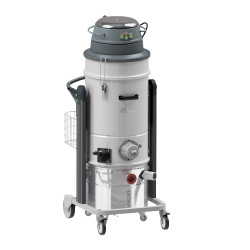
- Handle powder safely. During any material handling, use personal protective equipment (PPE) specified in the Material Safety Data Sheet (MSDS). Use only specialized grounded antistatic vacuum cleaners for cleaning the work area; completely eliminate any sources of sparks or open flames near the device.
- Wait for full build cooling. Never remove parts from the module before the time specified by the manufacturer's algorithm. Attempting to work with hot powder significantly increases the risk of injury and burns, and premature unpacking can lead to irreversible thermal deformation (warping) of products.
- Verify results before serial production. Before launching a large batch, perform a trial 3D print of test models. Assess the accuracy of geometric dimensions, surface finish quality, and actual mechanical properties of parts. All cycle parameters and identified deviations should be carefully recorded in the equipment operation log by the operator.
Why Buy Formlabs Fuse X1 from Center 3D Print?
As an official representative of Formlabs, Center 3D Print guarantees a fair price, authorized service, and manufacturer warranty on all devices. Since 2012, our team has specialized in professional equipment for additive manufacturing, advising production engineers, research institutions, and industrial service bureaus across Poland and the EU on equipment selection, production site preparation, and integration into the workflow. The SLS system Fuse X1 is a complex production complex, so we provide technical consultations before purchase, coordinate delivery, perform electrical network connection preparation, and software setup for PreForm. Contact our specialists to discuss delivery times, additional configuration, and the suitability of Fuse X1 for your production volumes and part requirements.