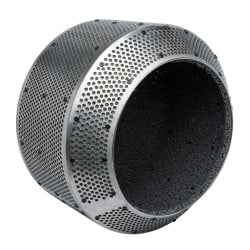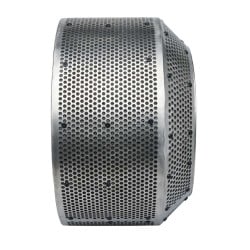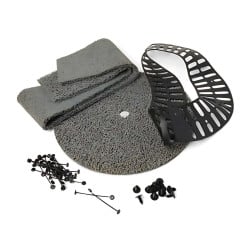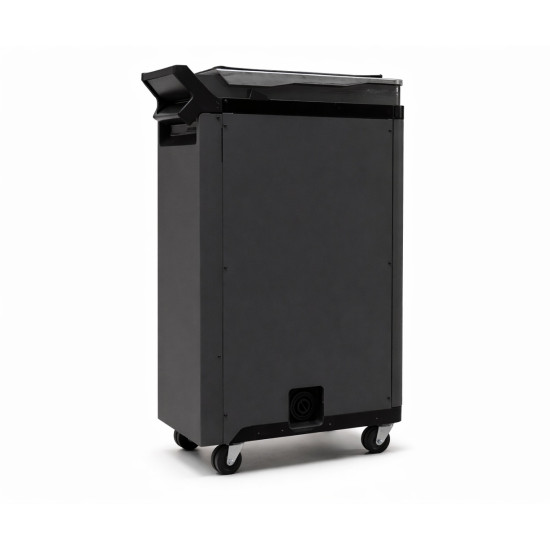
- Stock: In Stock
- Product code: Fuse X1 Build Unit
- SKU: BC-FSX1-01

More from this brand


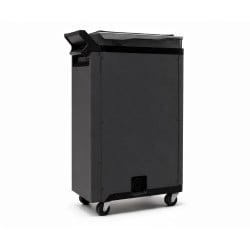
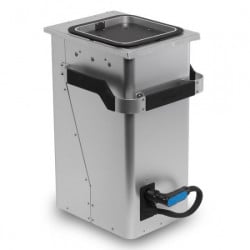
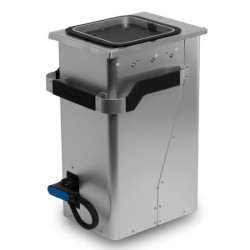
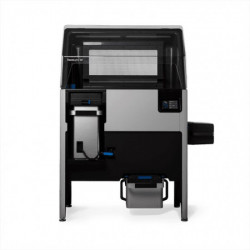
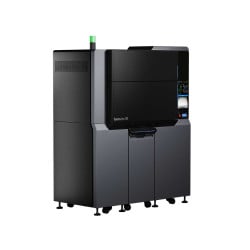
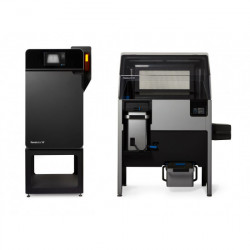
The Formlabs Fuse X1 Build Unit is a mobile, thermally insulated SLS print-transport module designed for the Fuse X1 ecosystem — moving completed builds directly to the Fuse Sift X1 powder-recovery station through self-aligning blind-mate power and data connectors that engage and disengage without any manual cabling, keeping the printer in near-continuous operation while finished prints cool passively in transit.
| Compatible 3D Printer | Formlabs Fuse X1 |
|---|---|
| Compatible Post-Processing Station | Formlabs Fuse Sift X1 |
| Connection Interface | Blind-mate power + data connectors |
| Cooling Method | Passive insulated chamber |
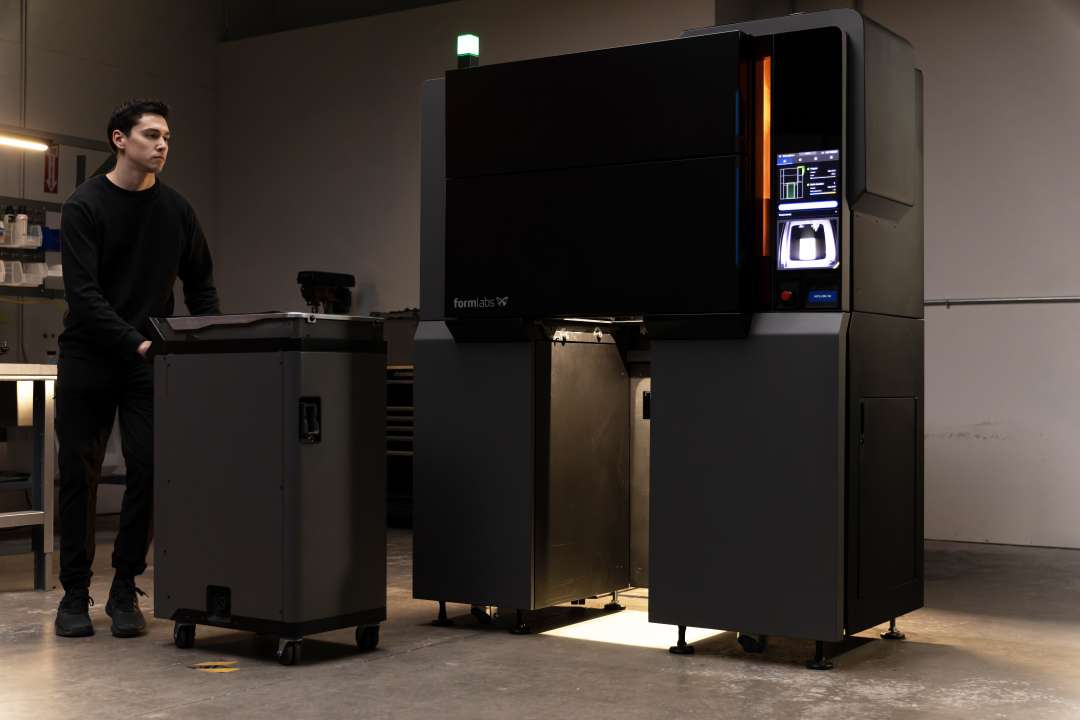
The photograph below captures the operational moment that defines the build unit's value: an operator rolls the module clear of the Fuse X1's open bay, the printer's inner chamber glowing with residual process light behind him — the machine already freed from its previous job and ready to accept a replacement unit within minutes.
How the Build Unit Solves the SLS Throughput Problem
The productivity ceiling in SLS manufacturing is not laser speed — it is the enforced wait that follows every completed build. Before the sintered powder cake can be safely handled for breakout, the entire build volume must dissipate heat to a safe handling temperature. On platforms without a detachable build chamber, that thermal cycle occupies the machine itself, pulling it out of production for several hours per job.
Formlabs resolves this at the architectural level by making the entire print chamber a standalone, wheeled component. The operator rolls the finished unit out and inserts a fresh replacement; the Fuse X1 resumes its next build within minutes. The cooling phase does not disappear — it migrates from the printer's internal schedule to the transit path between machines and, ultimately, to the Fuse Sift X1 station where powder recovery was going to happen regardless. Printer uptime is structurally decoupled from the thermal physics of powder crystallisation.
Blind-Mate Interface: One Guided Motion, Full Electrical Connection
The viability of a hot-swap module architecture hinges on how frictionless the connection step actually is in practice. The blind-mate connectors on the Fuse X1 Build Unit address this precisely: sliding the unit into the printer bay brings a set of self-registering contacts together, establishing power and data links simultaneously through a single guided insertion — no manual port alignment, no cable routing, no tool use. Rolling the unit back out breaks both connections passively. In a production environment where an operator performs multiple changeovers per shift, eliminating every manual connection step accumulates into meaningful time savings across a working week.
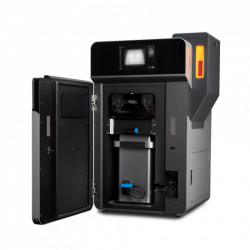
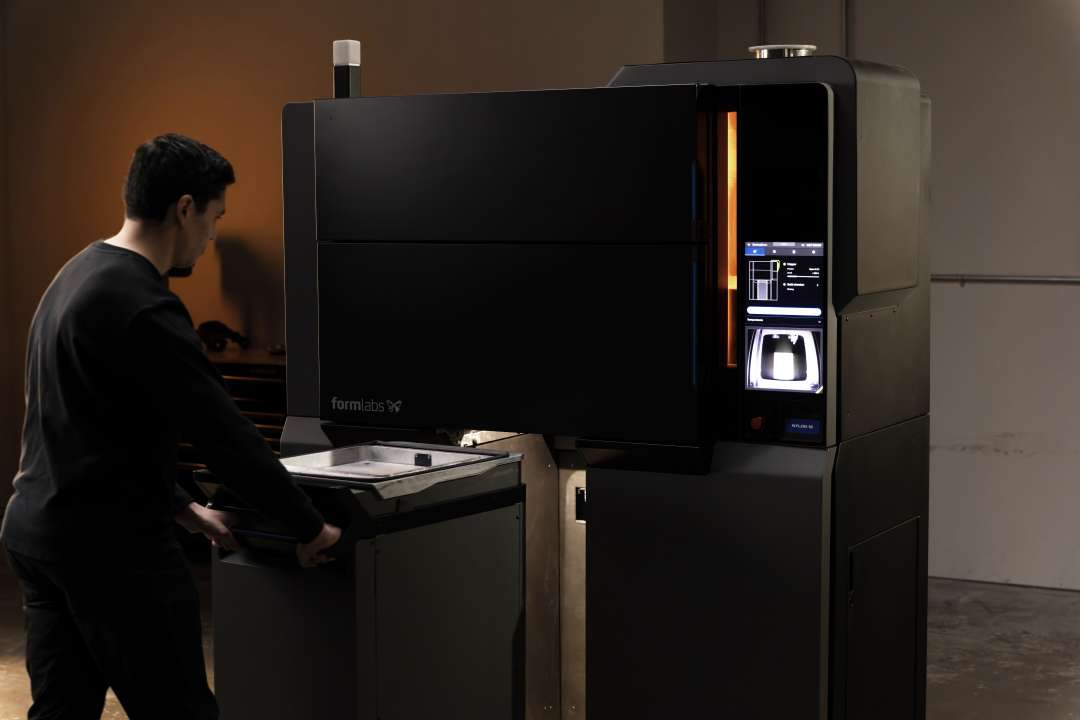
The photograph below shows the operator accessing the open build chamber lid alongside the active Fuse X1, illustrating the low physical overhead that the combination of blind-mate interface and wheeled chassis delivers at every stage of the workflow.
Thermal Integrity in Motion: Why Insulation Is Part of the Quality Chain
The insulated chamber walls serve a quality-control function that goes beyond simple convenience. SLS parts form inside a sintered powder matrix, and the rate at which that matrix cools determines dimensional accuracy. If heat escapes too rapidly or unevenly — through uninsulated walls or exposure to ambient draughts during transport — printed parts near the build volume periphery can exhibit dimensional drift, and the powder cake itself may develop stress cracks that complicate breakout. The build unit's insulation maintains the controlled thermal gradient from the moment the module leaves the printer bay until it docks at the Fuse Sift X1, protecting both part geometry and powder quality for downstream recovery.
For facilities with recurring daily demand, a two-unit configuration is where the system reaches its practical ceiling: one unit inside the Fuse X1 building the next job while the other cools and undergoes powder recovery at the Sift station simultaneously. The printer never sits idle between builds.
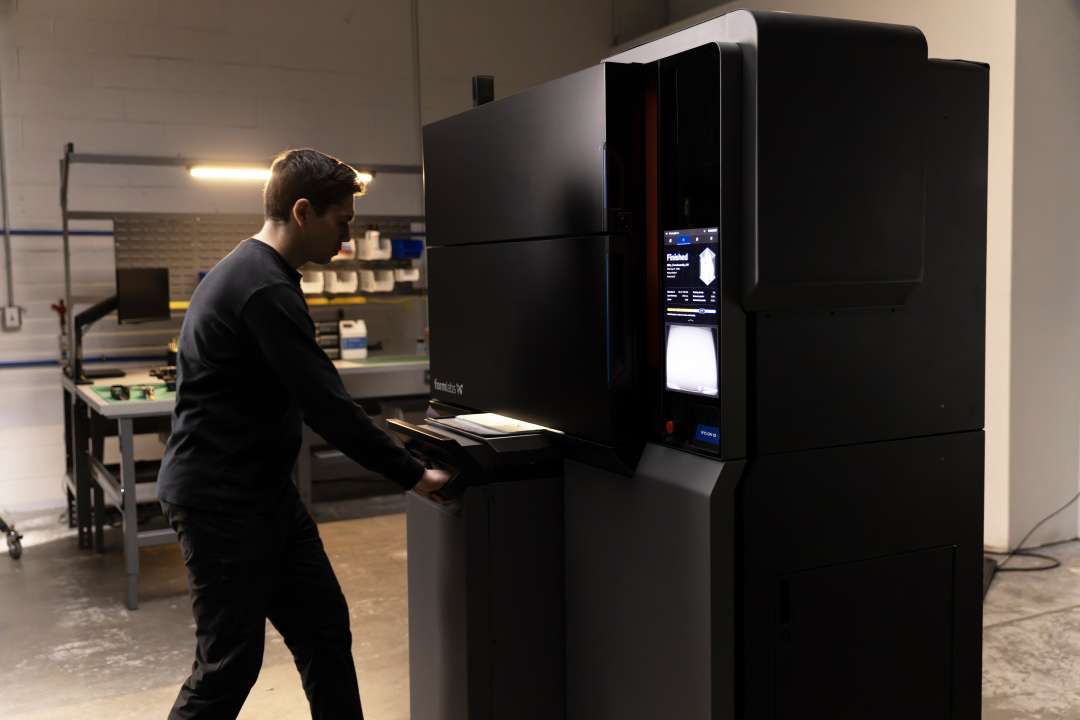
The photograph below closes the operational cycle: a fresh build unit is being slid into the Fuse X1 bay as the touchscreen confirms the previous job's completion with a "Finished" status. The blind-mate connectors engage the moment the unit reaches full insertion, and the printer is immediately ready for the next build.
Technical Specifications of the Formlabs Fuse X1 Build Unit
System Compatibility
| Compatible 3D Printer | Formlabs Fuse X1 |
|---|---|
| Compatible Post-Processing Station | Formlabs Fuse Sift X1 |
| Ecosystem | Formlabs Fuse X1 Series |
Design & Functionality
| Mobility | Wheeled, free-rolling |
|---|---|
| Connection Interface | Blind-mate power + data (auto-engaging) |
| Cooling Method | Passive insulated chamber |
| Primary Function | Print containment, passive cooling, and transport |
What's in the Box
- Formlabs Fuse X1 Build Unit (1 unit)
How to Swap Build Units on the Fuse X1 for Continuous SLS Output
This procedure describes the standard build unit changeover on the Fuse X1: removing a completed build, transferring it to the Fuse Sift X1 for powder recovery, and loading the next job with minimal printer downtime.
Step 1: Verify Build Completion on the Control Display
Wait for the Fuse X1 touchscreen to show the build-complete status for the current job. The printer holds the chamber at process temperature until extraction is initiated — do not open the bay door before this status confirmation appears on screen.
Step 2: Open the Bay and Roll Out the Finished Build Unit
Open the Fuse X1 build bay door. Take the build unit handle and roll the module straight out along the guide rails. The blind-mate power and data connectors disengage automatically as the unit clears the docking threshold — no manual disconnection, no tools, and no cable management are required at any point.
Step 3: Wheel Directly to the Fuse Sift X1
Transport the extracted build unit directly to the Fuse Sift X1 post-processing station. The insulated chamber maintains the controlled thermal gradient throughout transit, continuing the regulated cool-down without requiring a dedicated holding area or additional waiting period outside the printer.
Step 4: Insert the Next Build Unit and Resume Printing
Slide a clean, empty build unit into the Fuse X1 bay along the guide rails. The blind-mate connectors engage automatically at full insertion, re-establishing both the power and data links without any manual step. Once the touchscreen confirms the unit is recognised, load the next job from the PreForm queue or the on-device job list and start the following build cycle.
Why Choose Center 3D Print?
Center 3D Print has been a dedicated additive manufacturing partner across Poland and the EU since 2012 — over a decade supporting research institutes, industrial engineering teams, and production facilities in selecting, deploying, and maintaining professional-grade 3D printing systems. As an official representative of Formlabs, we guarantee the best price, authorised service, and official warranty. The Fuse X1 Build Unit is a genuine Formlabs accessory; our team handles import logistics, direct warranty coordination with the manufacturer, and pre-sales advice on multi-unit configurations matched to your production volume. Contact us to confirm current stock and discuss the right setup for your workflow.
Formlabs Fuse Authorized Partner in Poland

Center 3D Print is a Formlabs Authorized Partner in Poland.
Here You can buy any Formlabs SLS 3D printers with an official manufacturer's warranty. When you buy Formlabs printers at Center 3D Print, you get training, equipment installation, and service. Contact us in advice.